
Build tools. Decide who can use them.
Build custom MCP tools with the ToolGate SDK, distribute signed packages and manage access for users and agents. Run tools on registered devices, require approval for sensitive actions and review activity in one console.
Source on GitHub One-minute quickstart Tool SDK guide Good first issues
Take a closer look
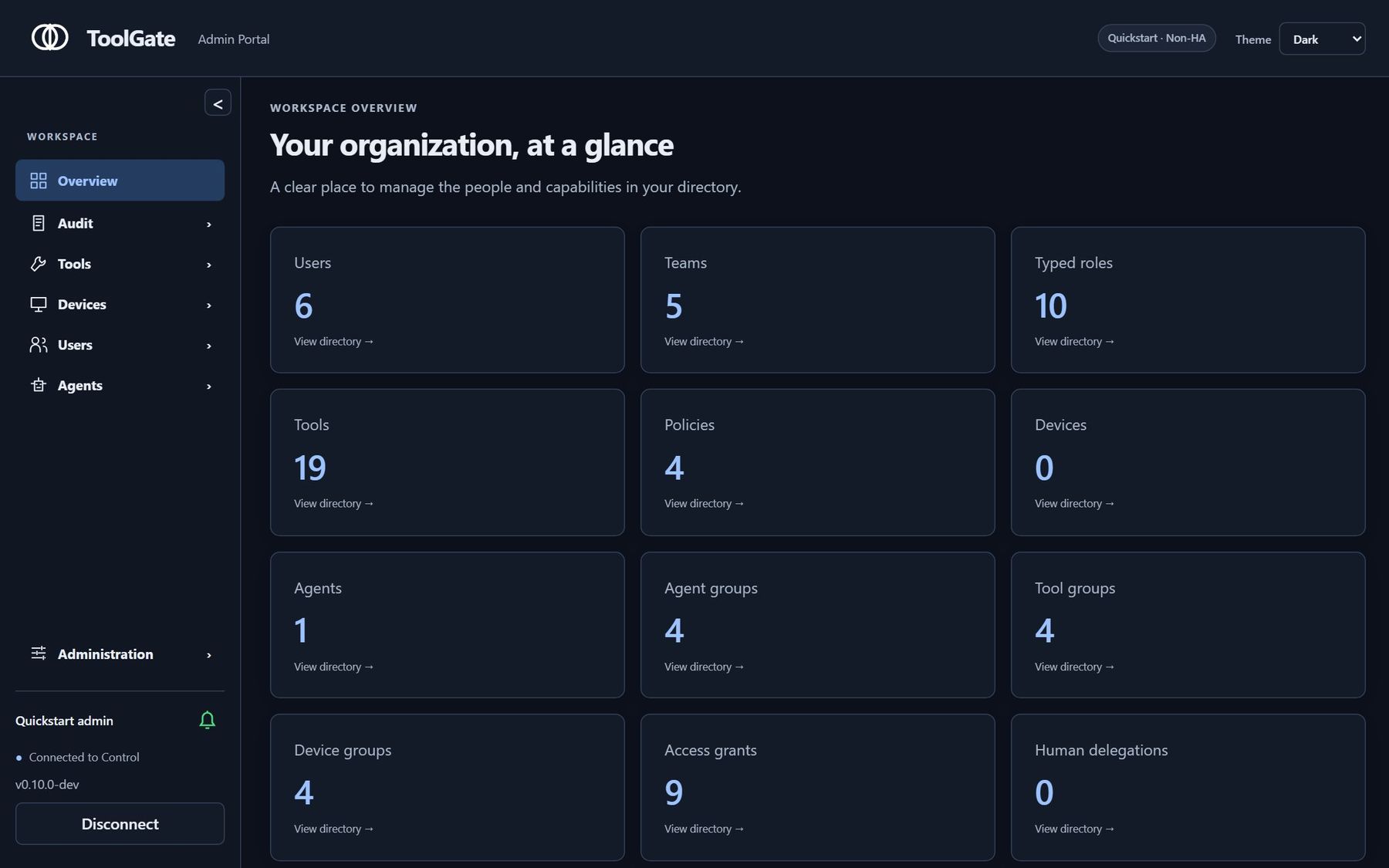
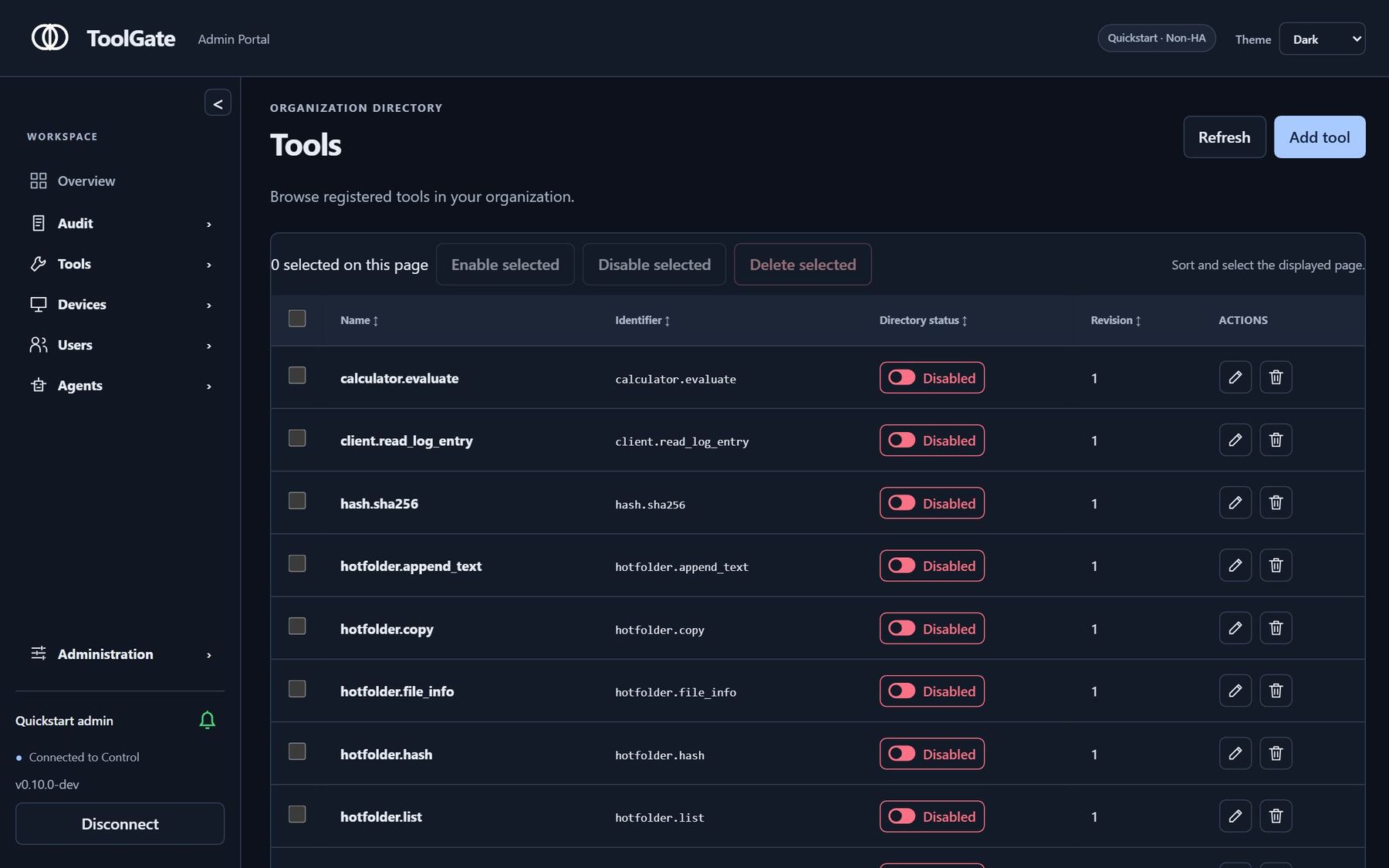
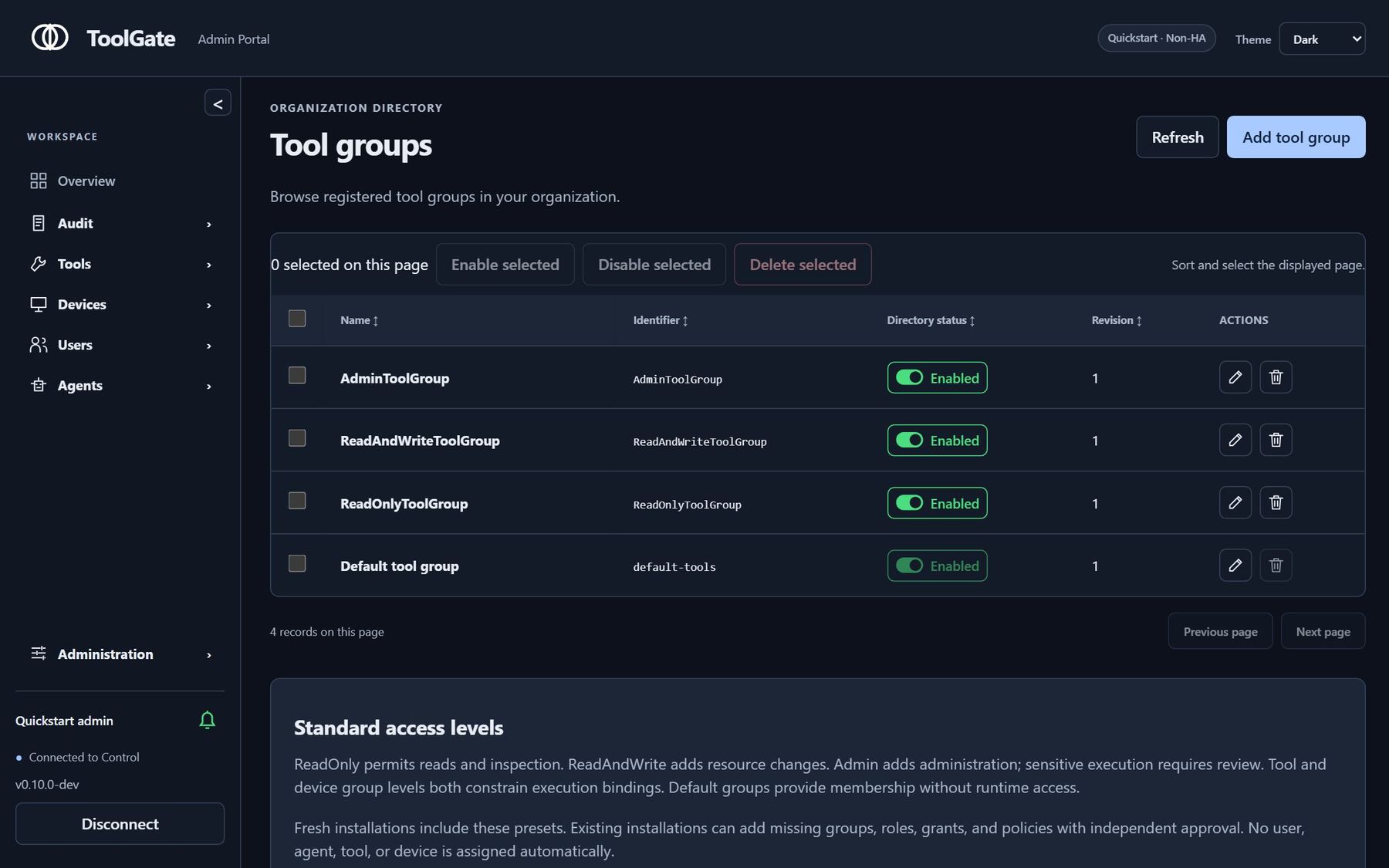
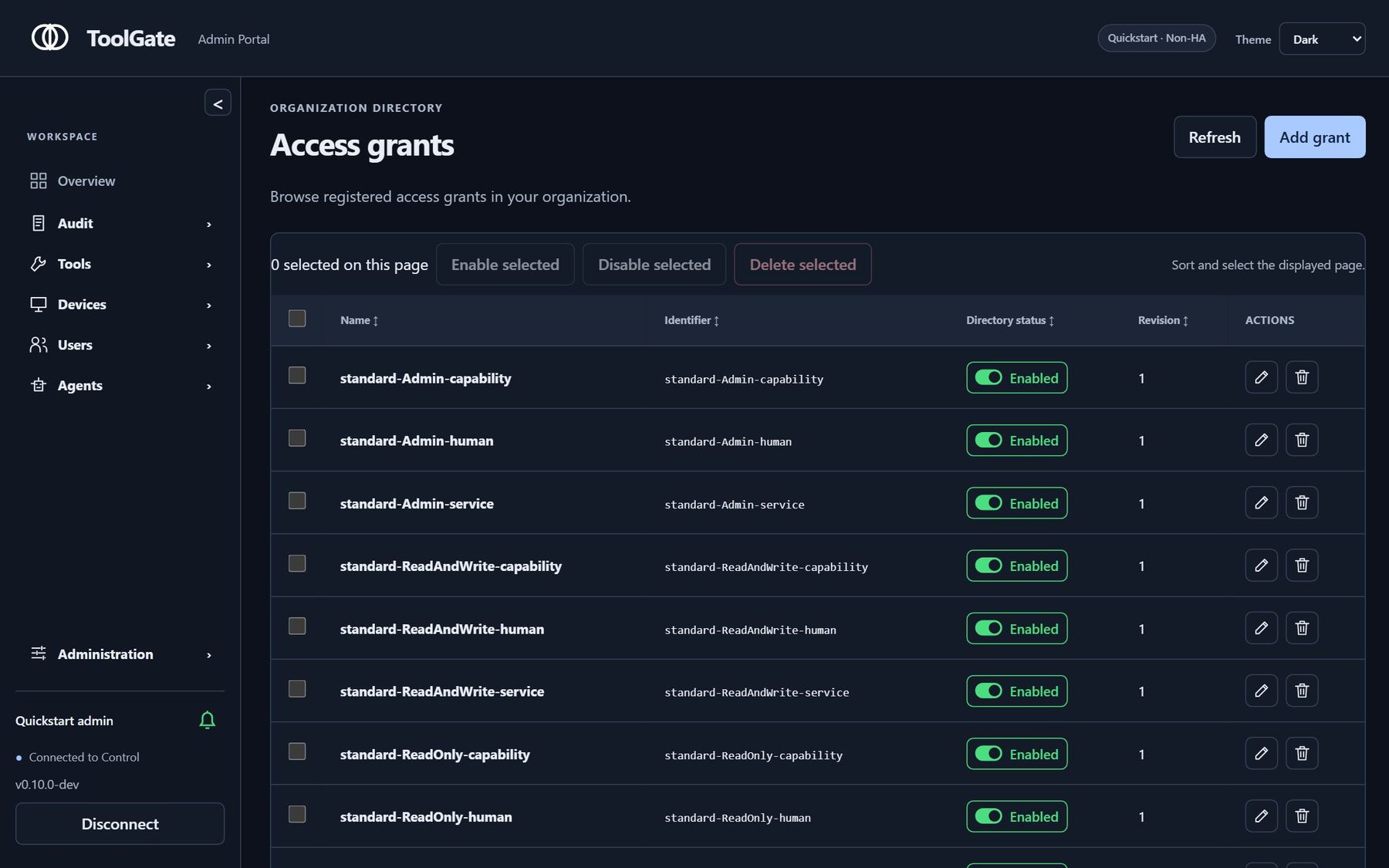
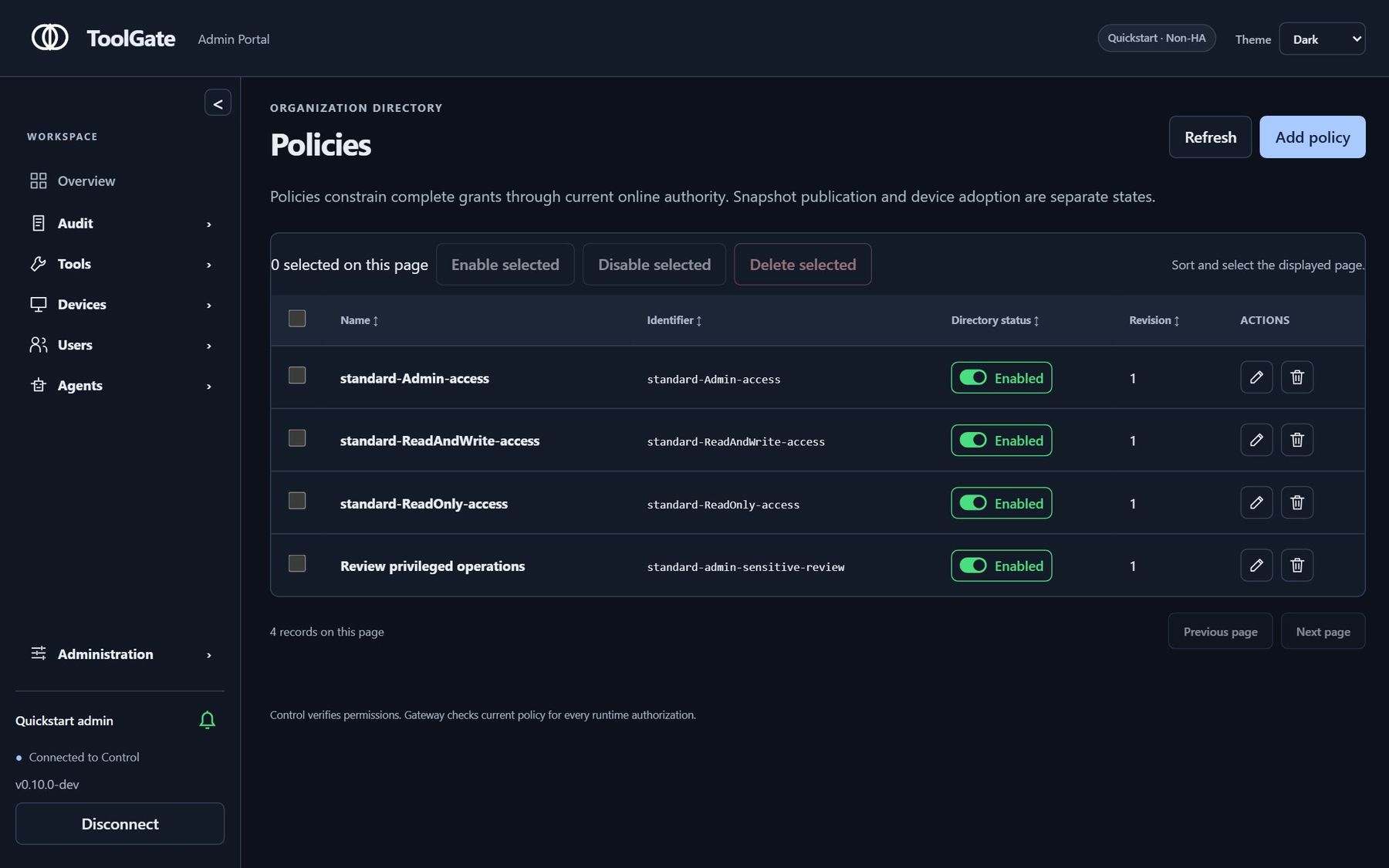
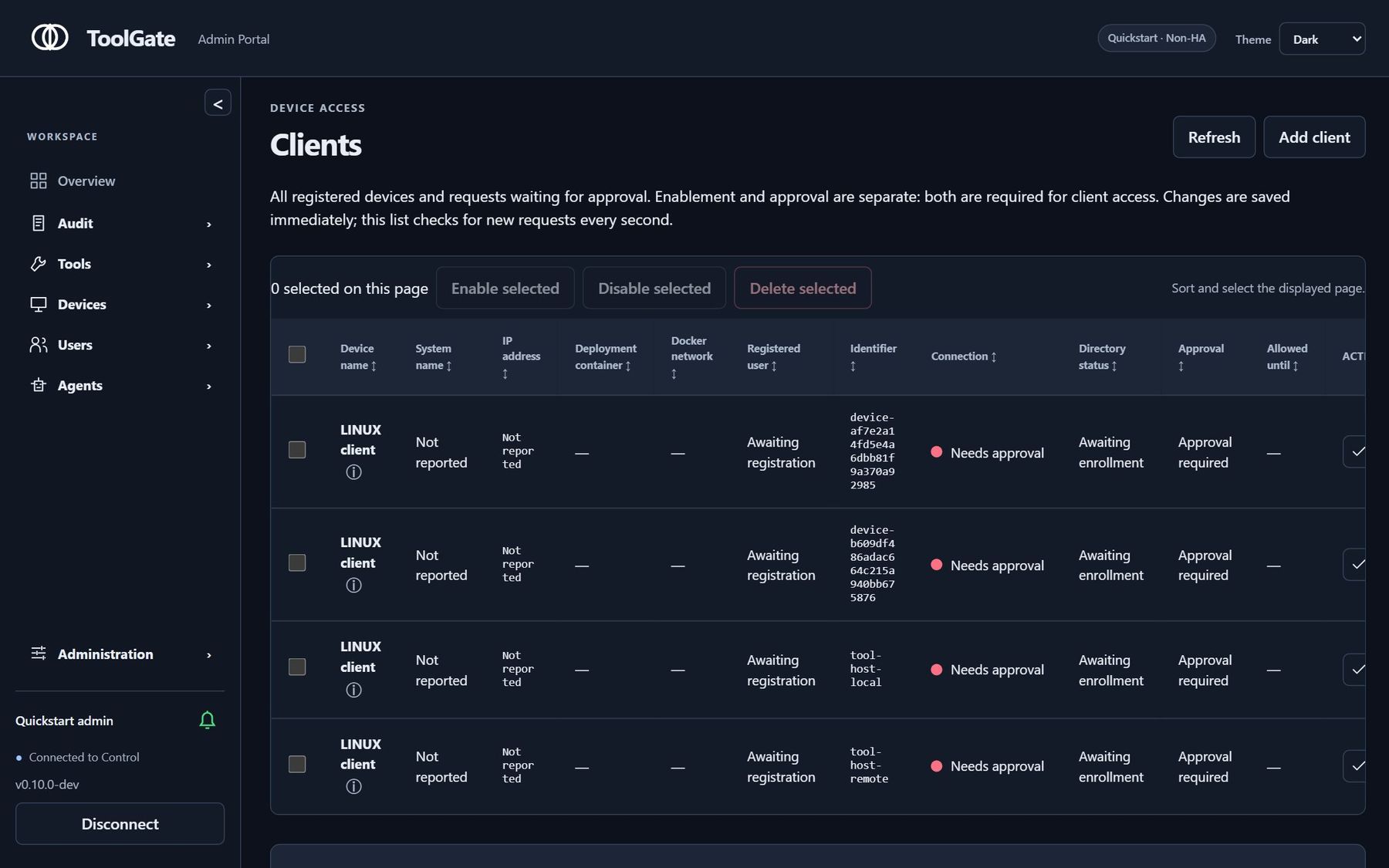
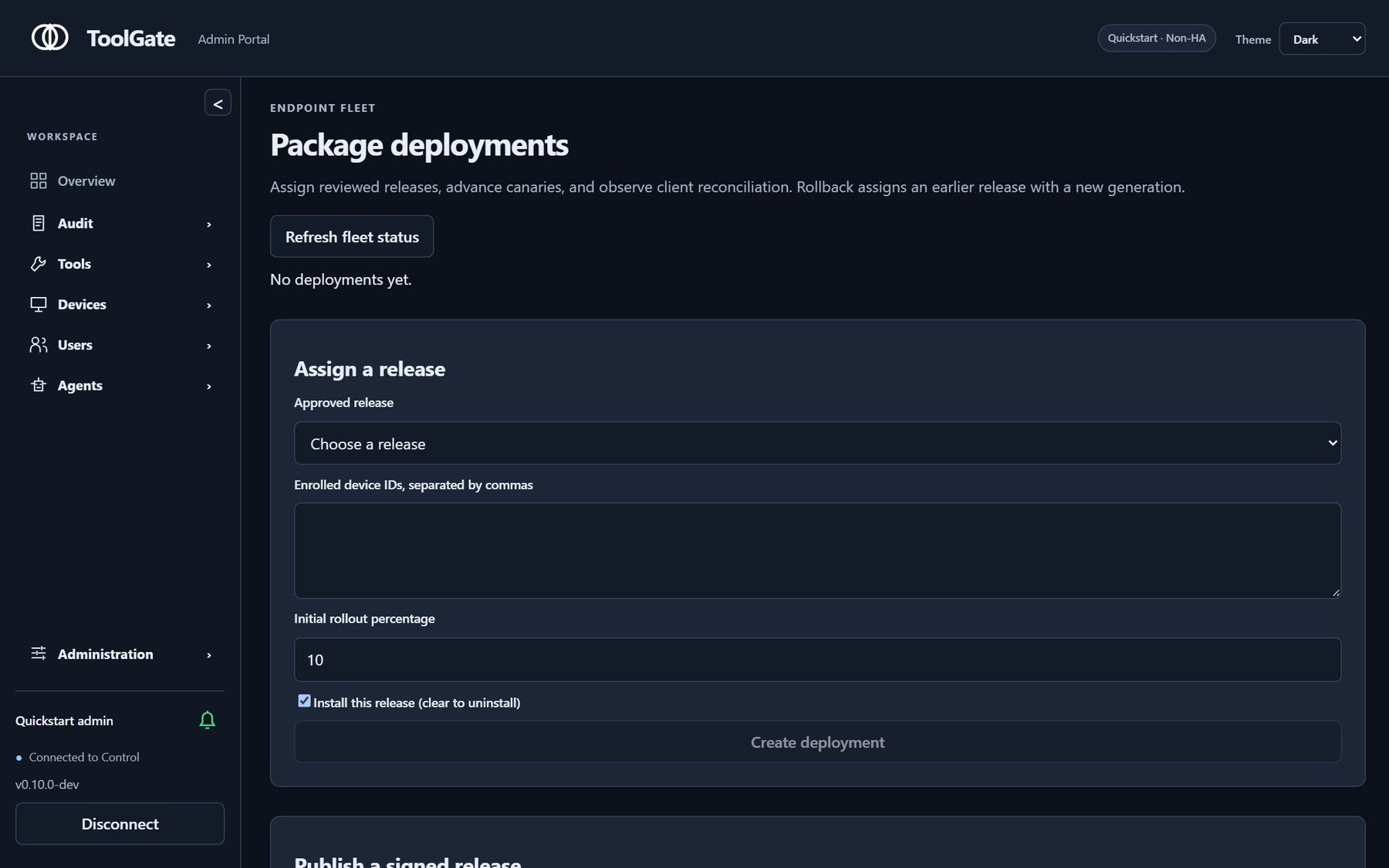
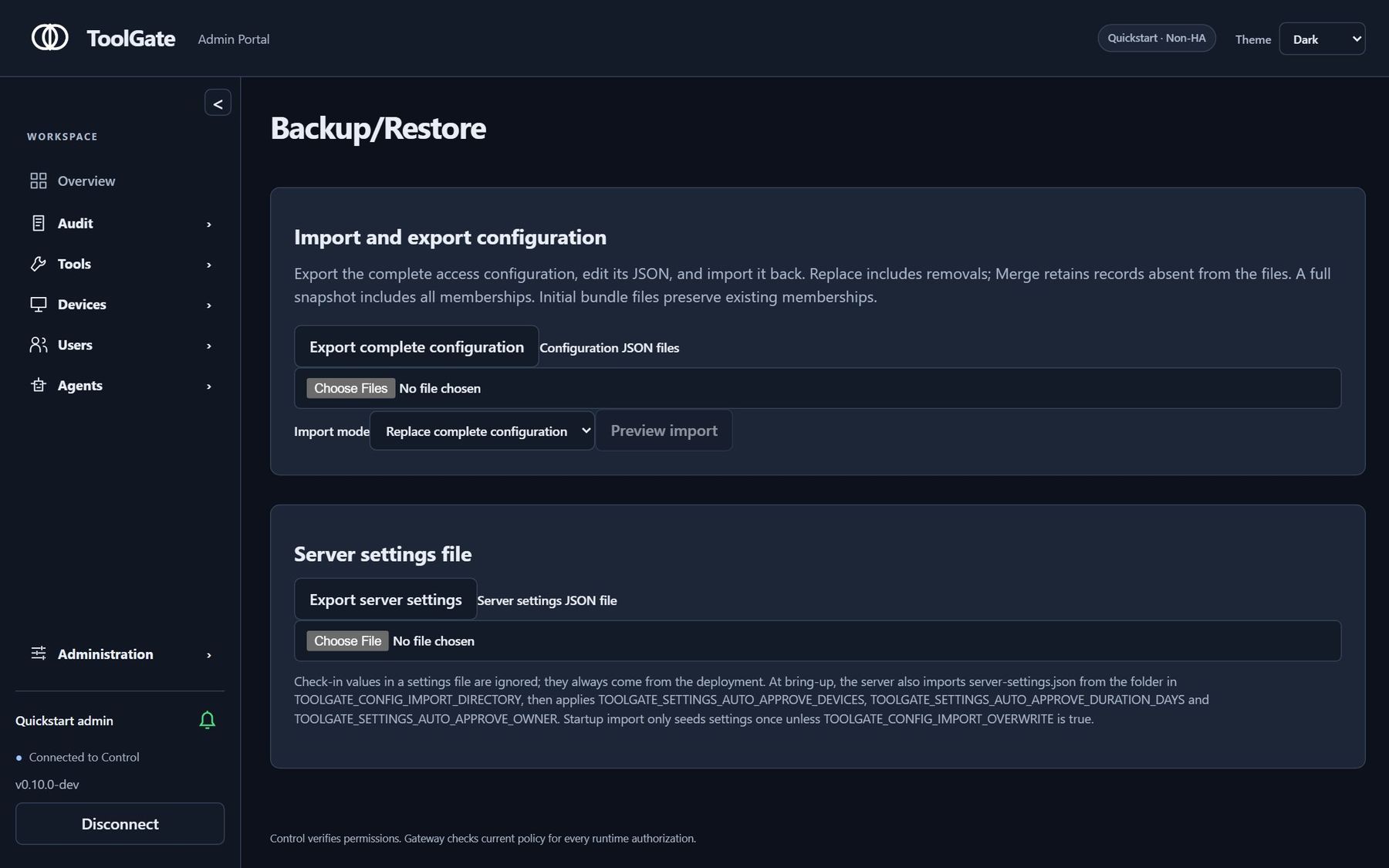
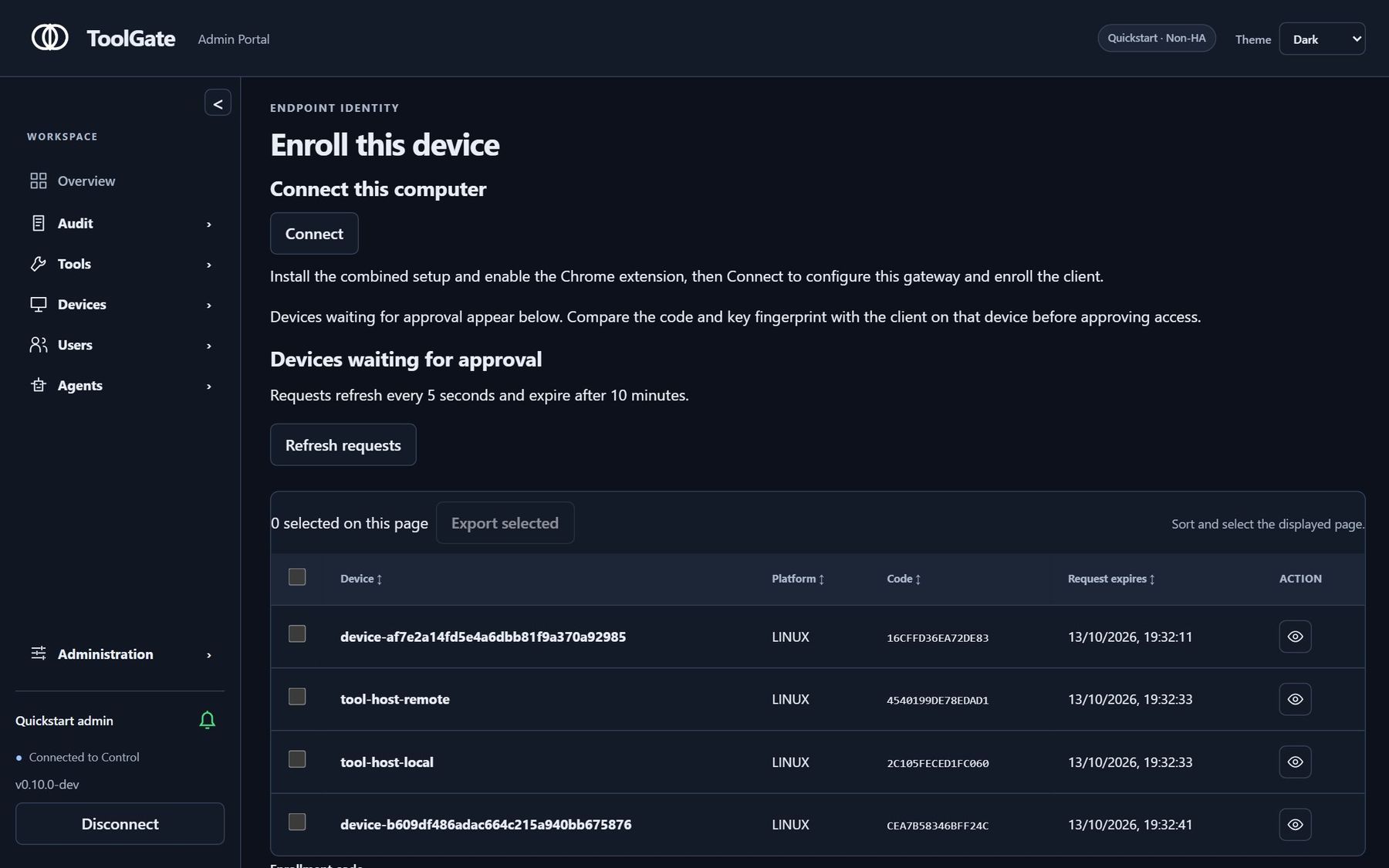
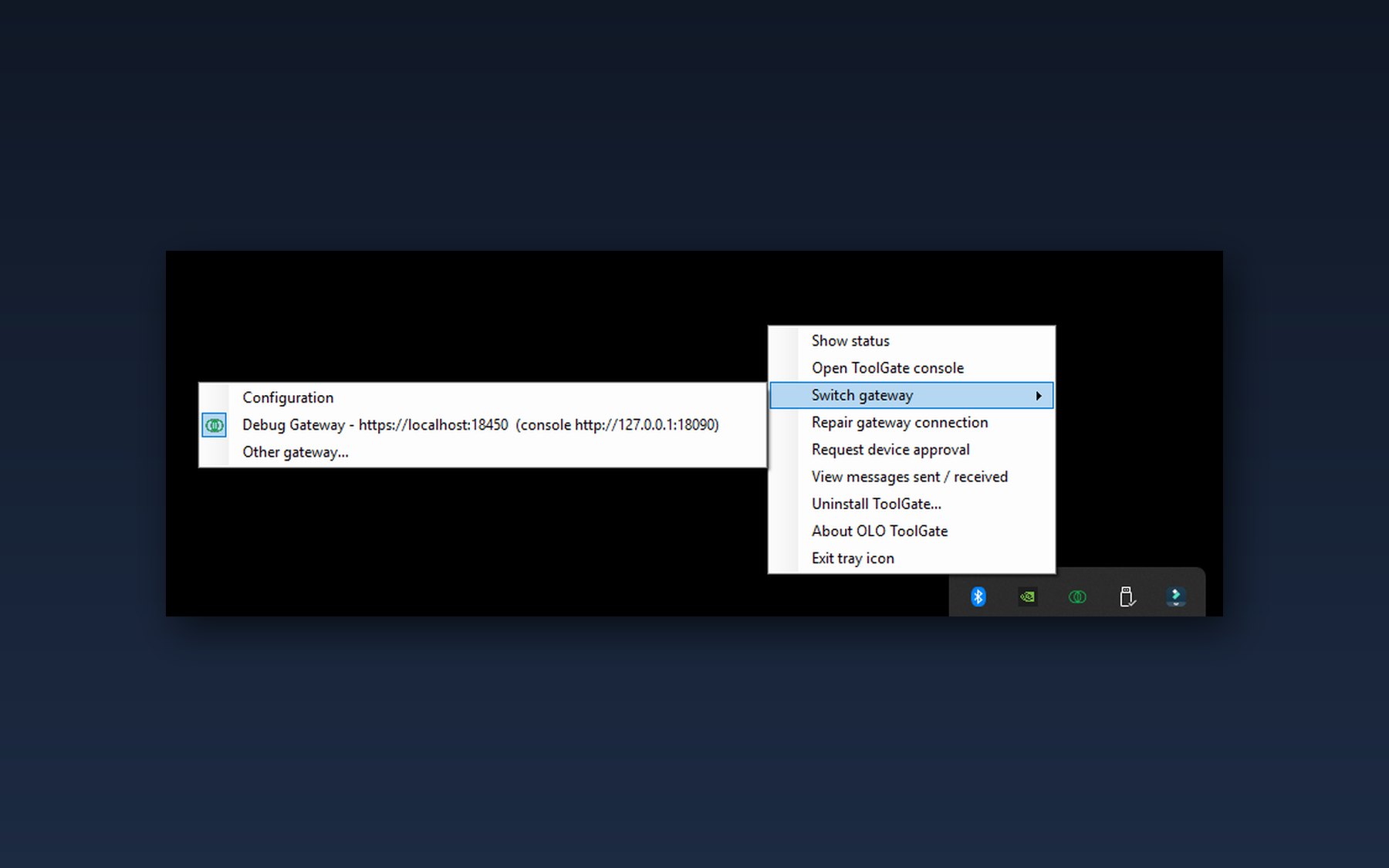
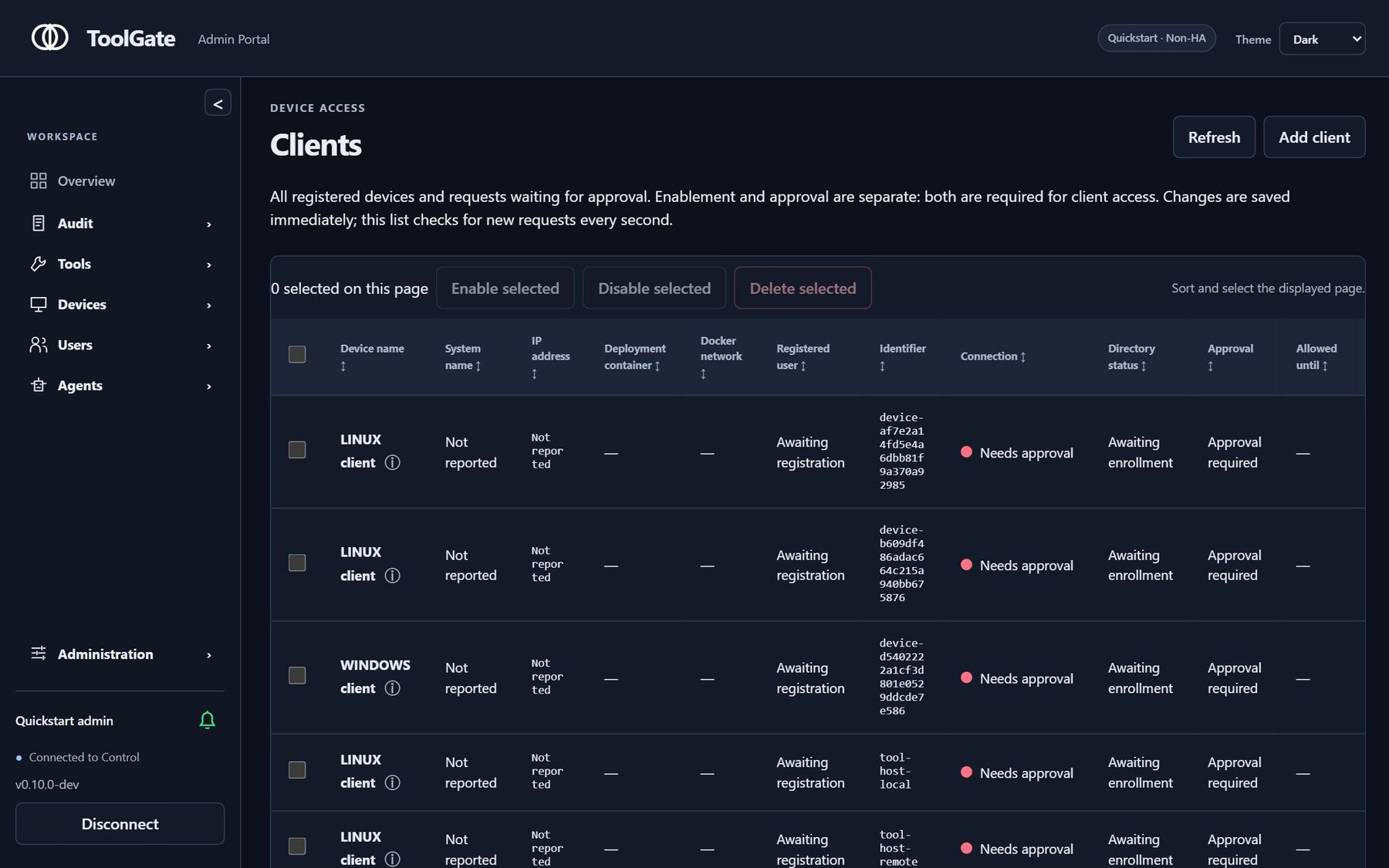
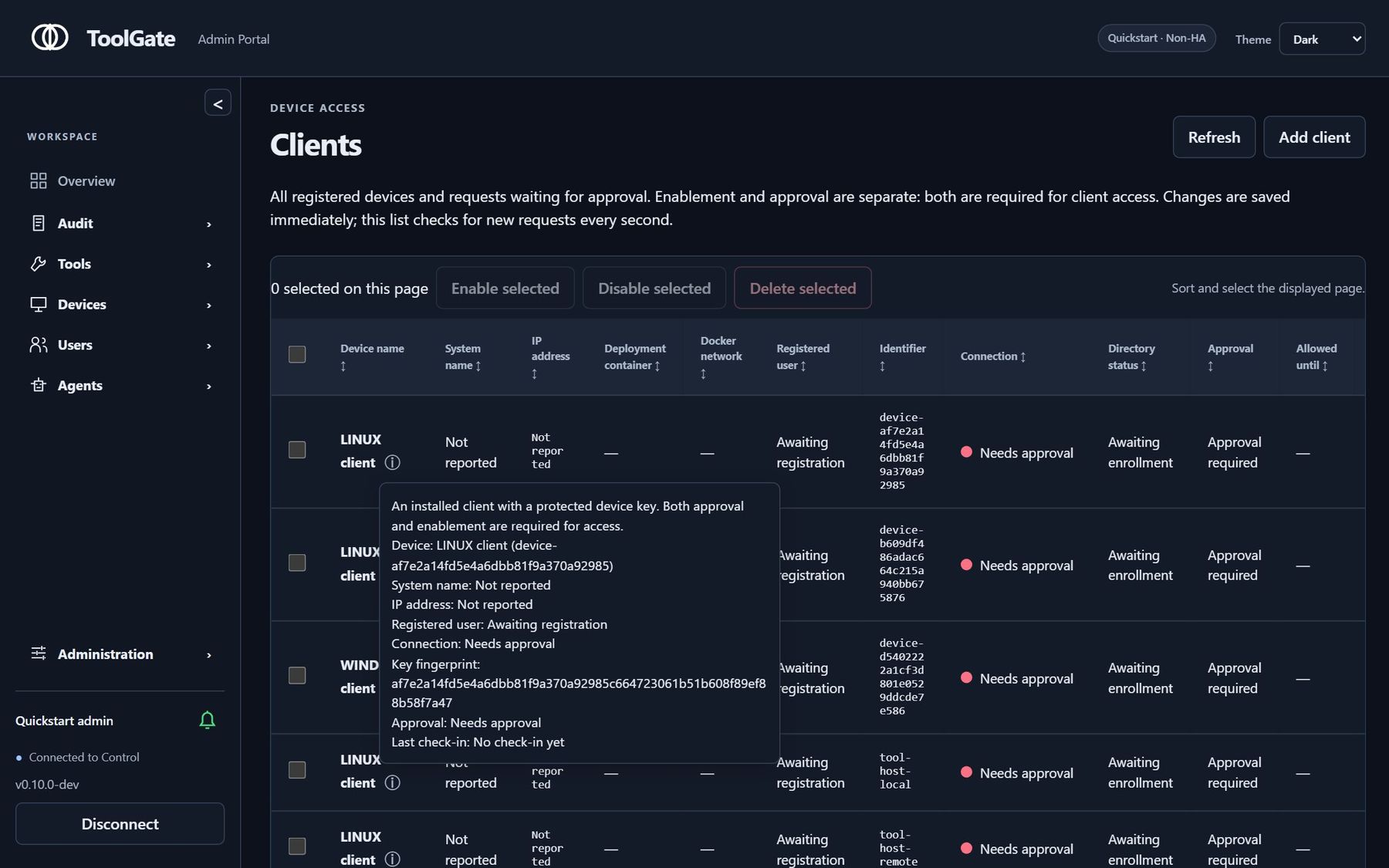
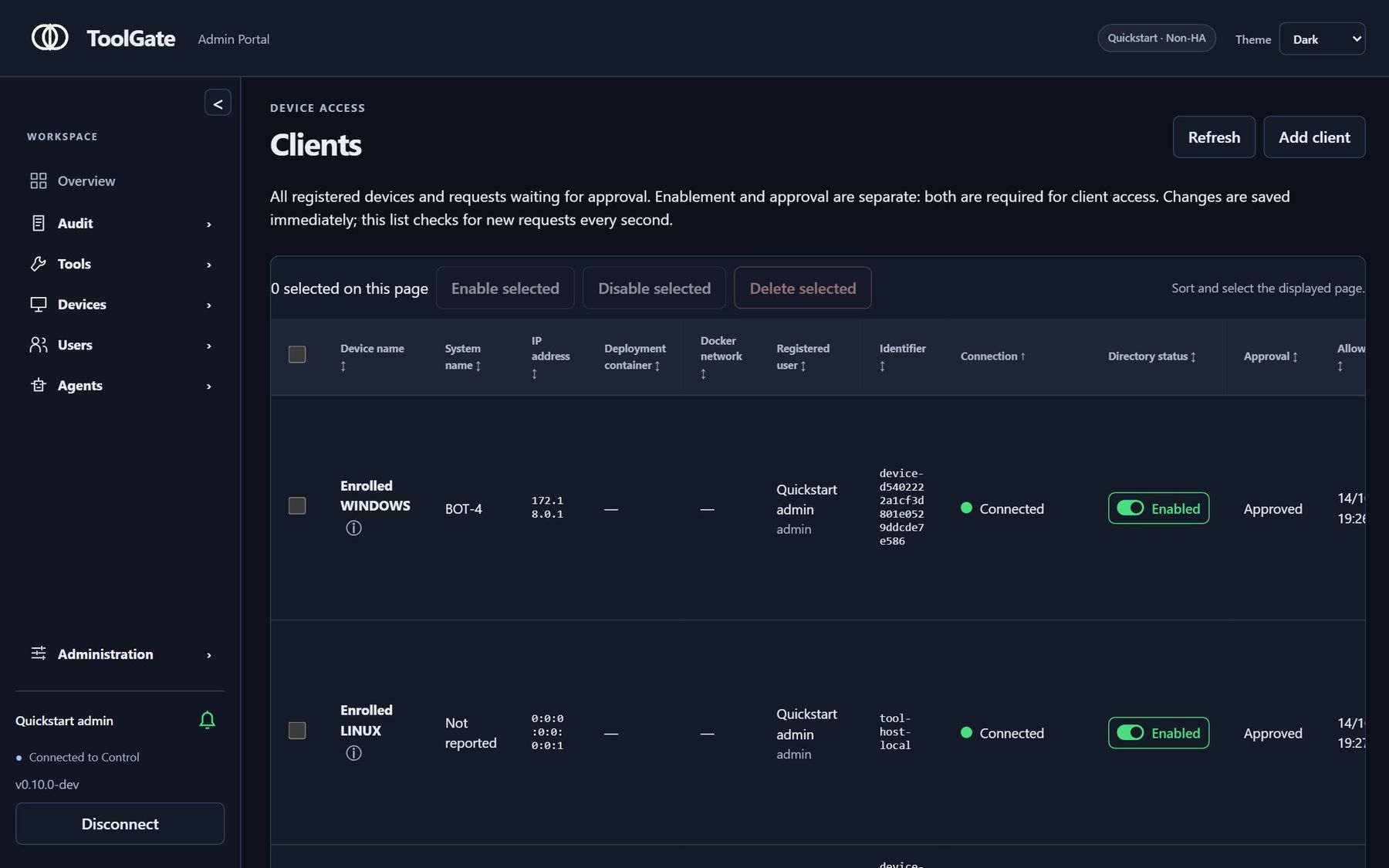
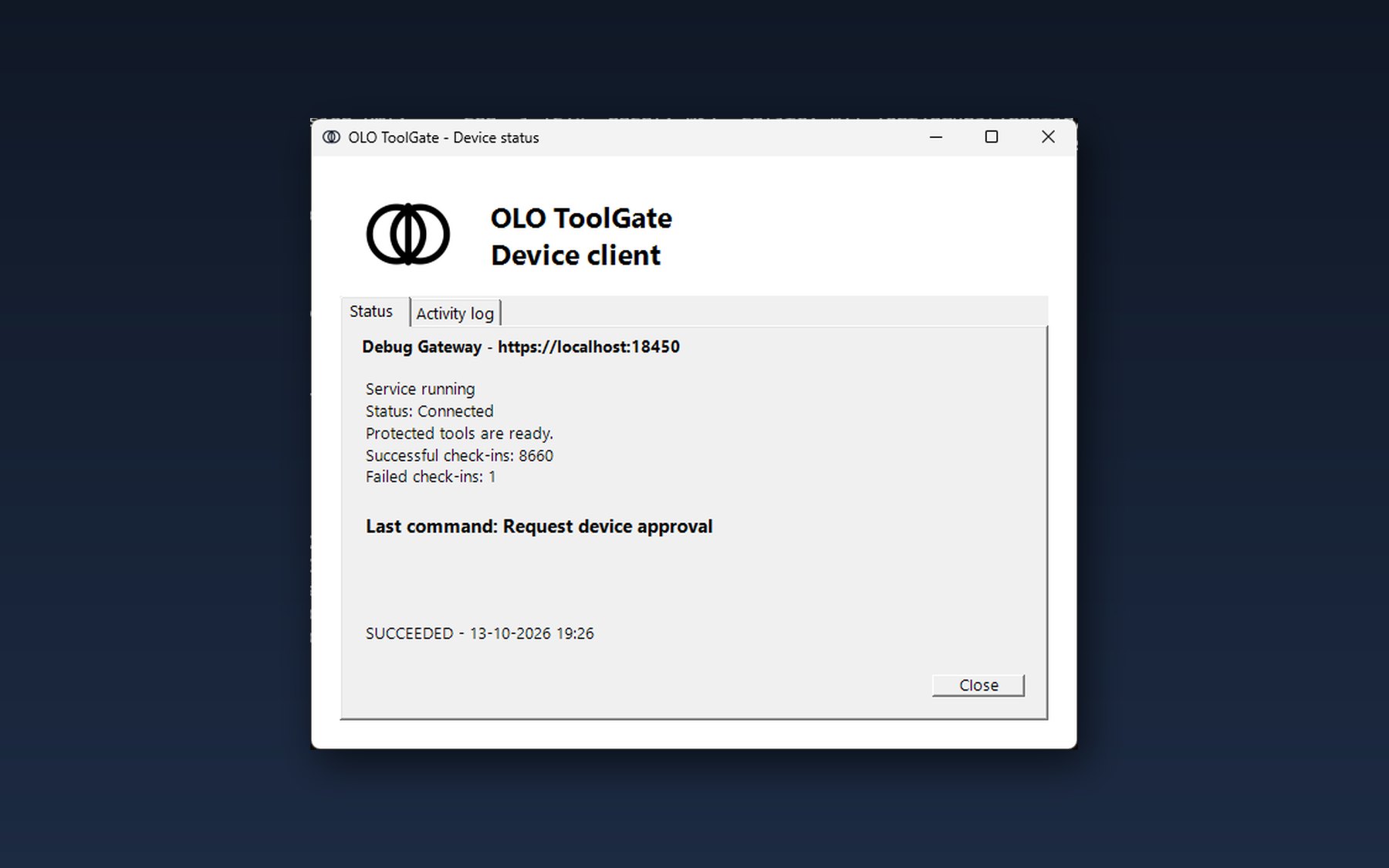
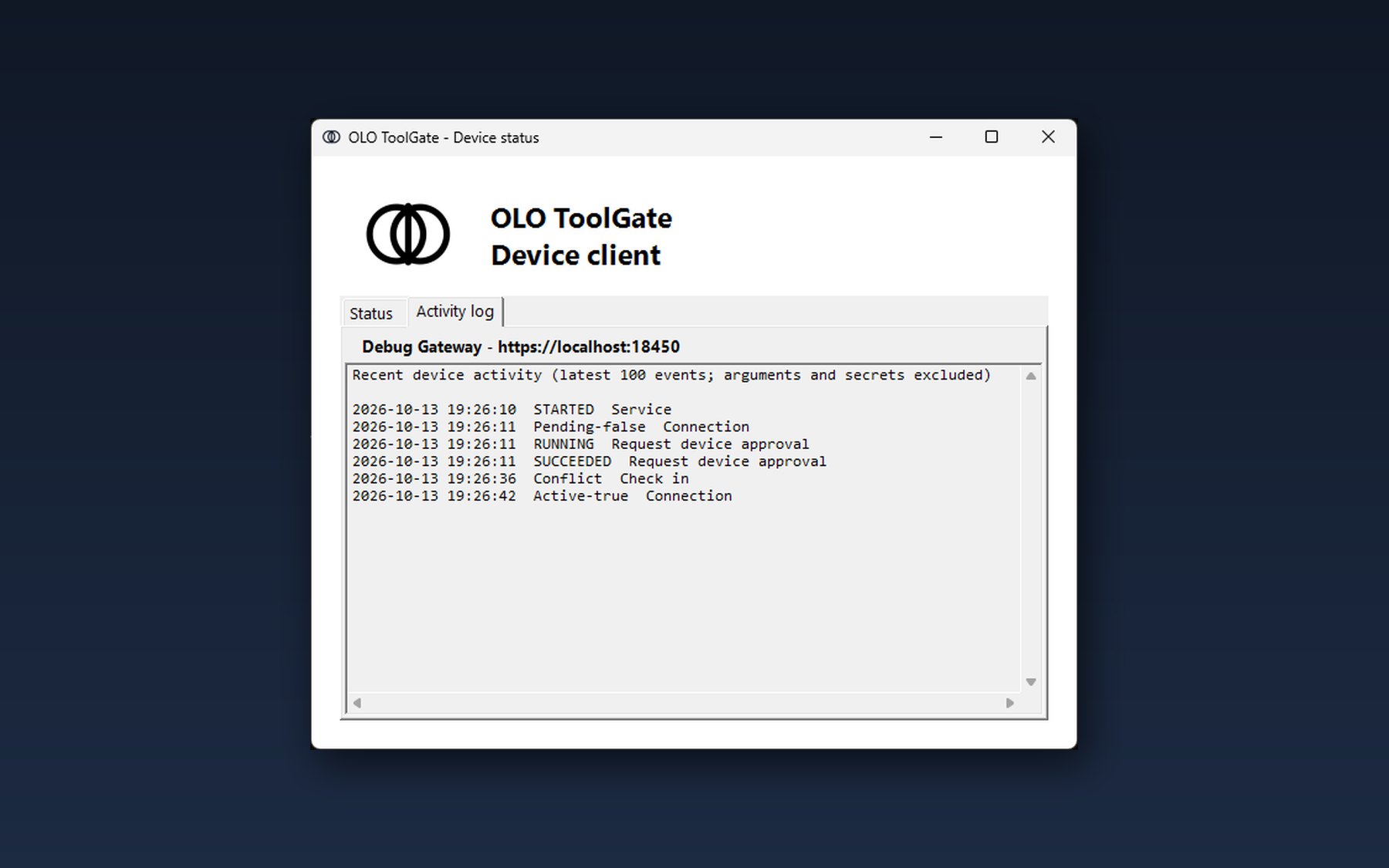
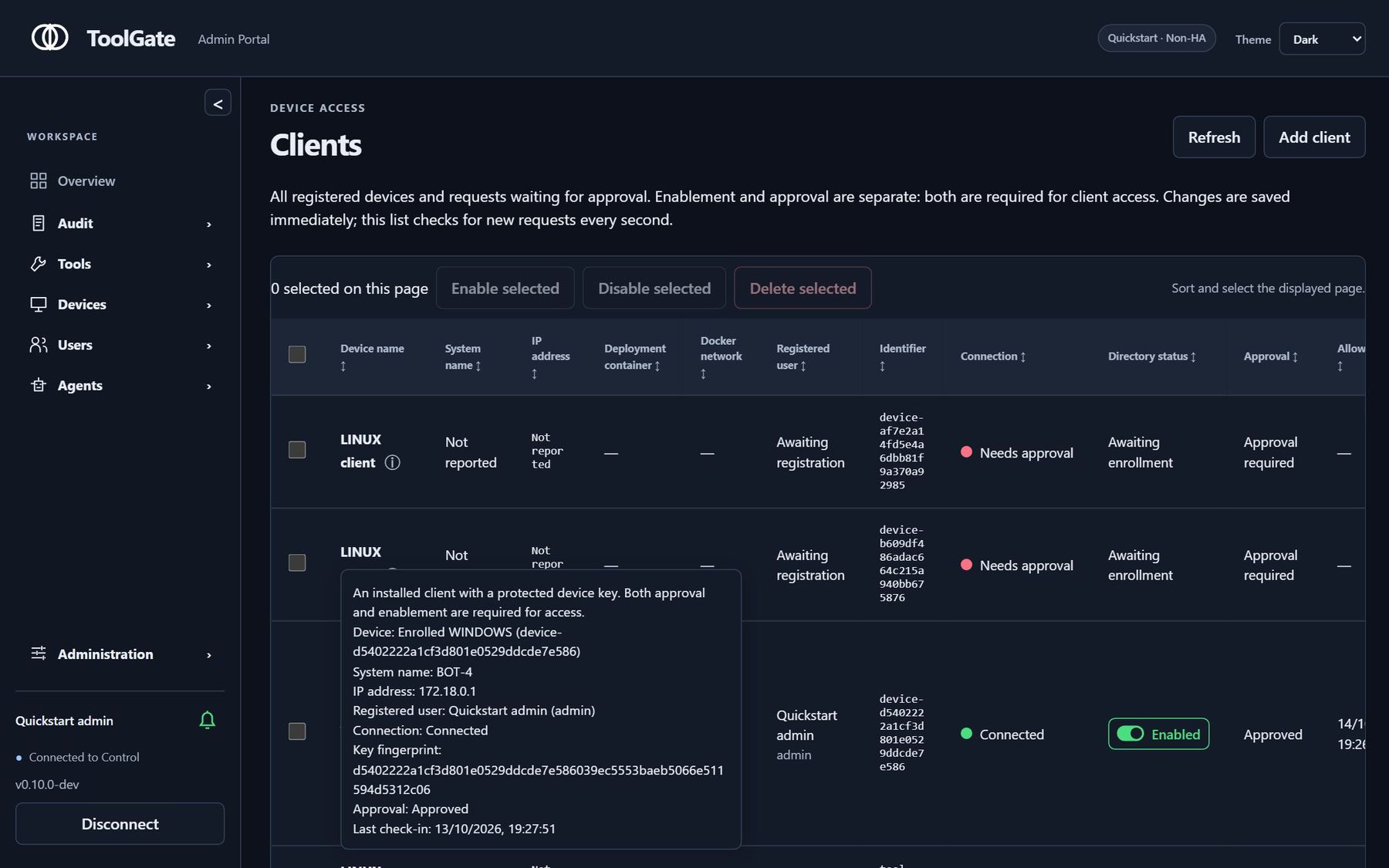
Your organization at a glance: users, tools, policies and devices.
What you can do
- Create and run custom toolsUse the SDK to build MCP tools, package them for signing and deploy them to registered devices.
- Allow, Ask or BlockGroup tools and set policies that allow a call, require approval or block access for a user or agent.
- Run tools close to your systemsRegister devices as tool hosts, with outbound connections to ToolGate and brokered network access.
- Review activity and approvalsSee tool requests, policy decisions and results. Require approval before sensitive tools run.
- Planned: connect existing MCP servers*A future proxy will let you connect an MCP server by URL and manage access to its tools through ToolGate. This feature is not yet available.
* Planned feature: connecting existing MCP servers by URL is on the ToolGate roadmap and is not yet available. Track it on GitHub
Explore the demos
Choose a demo below to see what it includes and how to get started.
Try ready-made tools
Connect your code or agent to ToolGate and call the included tools. Start here to explore tool access policies without registering a device.
What to expect
This shared demo uses a fixed tool set. Device registration and package installation are disabled. Tool calls still pass through Allow, Ask and Block policies.
Download the LangChain example (.zip) Unzip it and run start.bat (Windows) or start.sh (Linux, macOS). It installs what it needs, then asks for an optional OpenRouter key.
Explore device enrollment Login required
Sign in for a personal demo account, enroll a device and approve it in the console. Use your agent token to try tool calls and inspect their policy decisions and audit records.
What to expect
Tools return sample results from the demo server; they do not run on your enrolled device or access its files. Each Marketplace user gets one personal account. Demo data resets daily.
Demo accounts are personal. Sign in to your OLO Orgs account to get one.
Control access to lab devices
Open the shared console and approve or revoke access to two lab devices. Connect your agent with the public token to read and write sample files on an approved device.
What to expect
The shared account can view the console and change lab device approvals. Other settings are read-only. The lab devices are isolated containers with access only to this gateway. Demo data resets daily.
Download the LangChain example (.zip) Unzip it and run start.bat (Windows) or start.sh (Linux, macOS). It installs what it needs, then asks for an optional OpenRouter key.
Install & Deploy
Start with Docker for evaluation, use Docker Compose for a multi-service setup, or follow the Helm guide for Kubernetes. Check the release notes before choosing a version.
Developer resources and contributing
Help improve the project through code, documentation, testing or bug reports. Start with the contribution guide and find an issue that matches your interests.
- Source on GitHubExplore the code, branches and pull requests.
- Contribution guideSet up your development environment and learn how to submit a change.
- Issues & feature requestsReport a reproducible bug, propose an improvement or find work to contribute.
- Contributors & creditsMeet the people contributing to the project.
- Good first contributionsStart with scoped ideas and pointers to the relevant files.