
Open source from OLO Labs
Build AI workflows. Control tool access.
Use OLO to connect language models and tools in repeatable workflows. Use OLO ToolGate to build custom tools with the Model Context Protocol (MCP) SDK, manage access and review tool activity.
Explore OLO ToolGateExplore OLO View on GitHub
- Apache-2.0 licensed
- Run in your own environment
- Tool access policies and audit records
- Source code and setup guides on GitHub
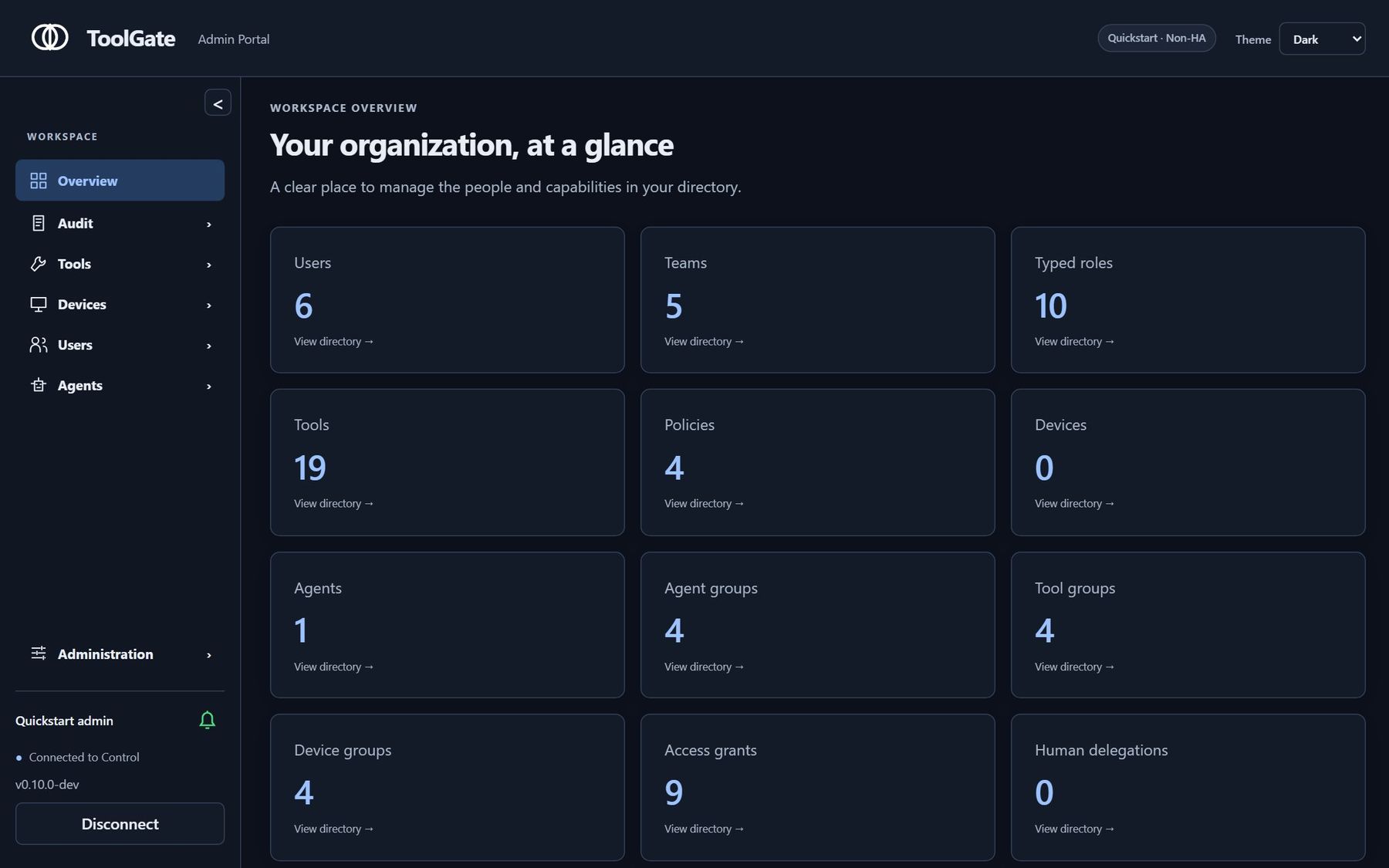
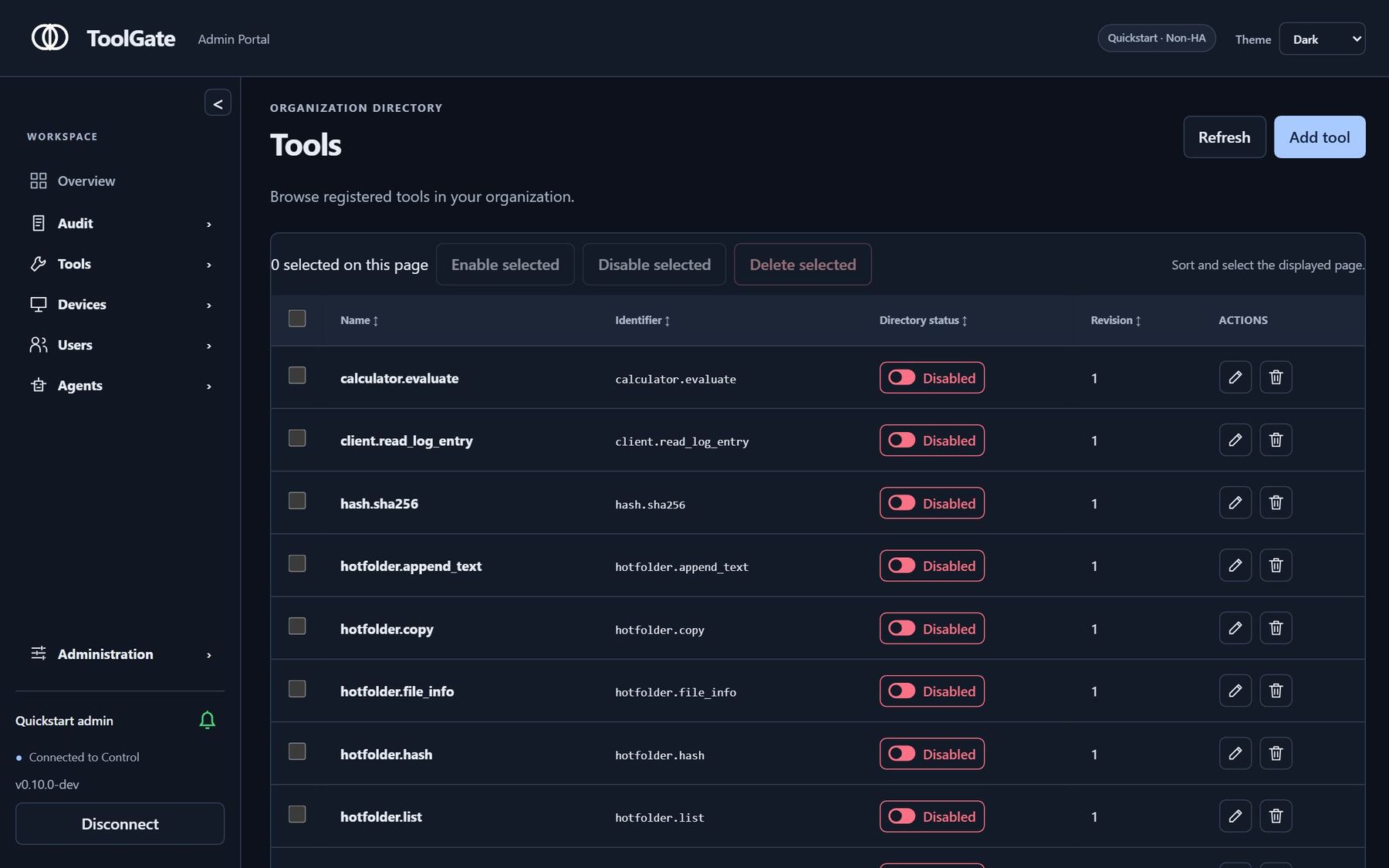
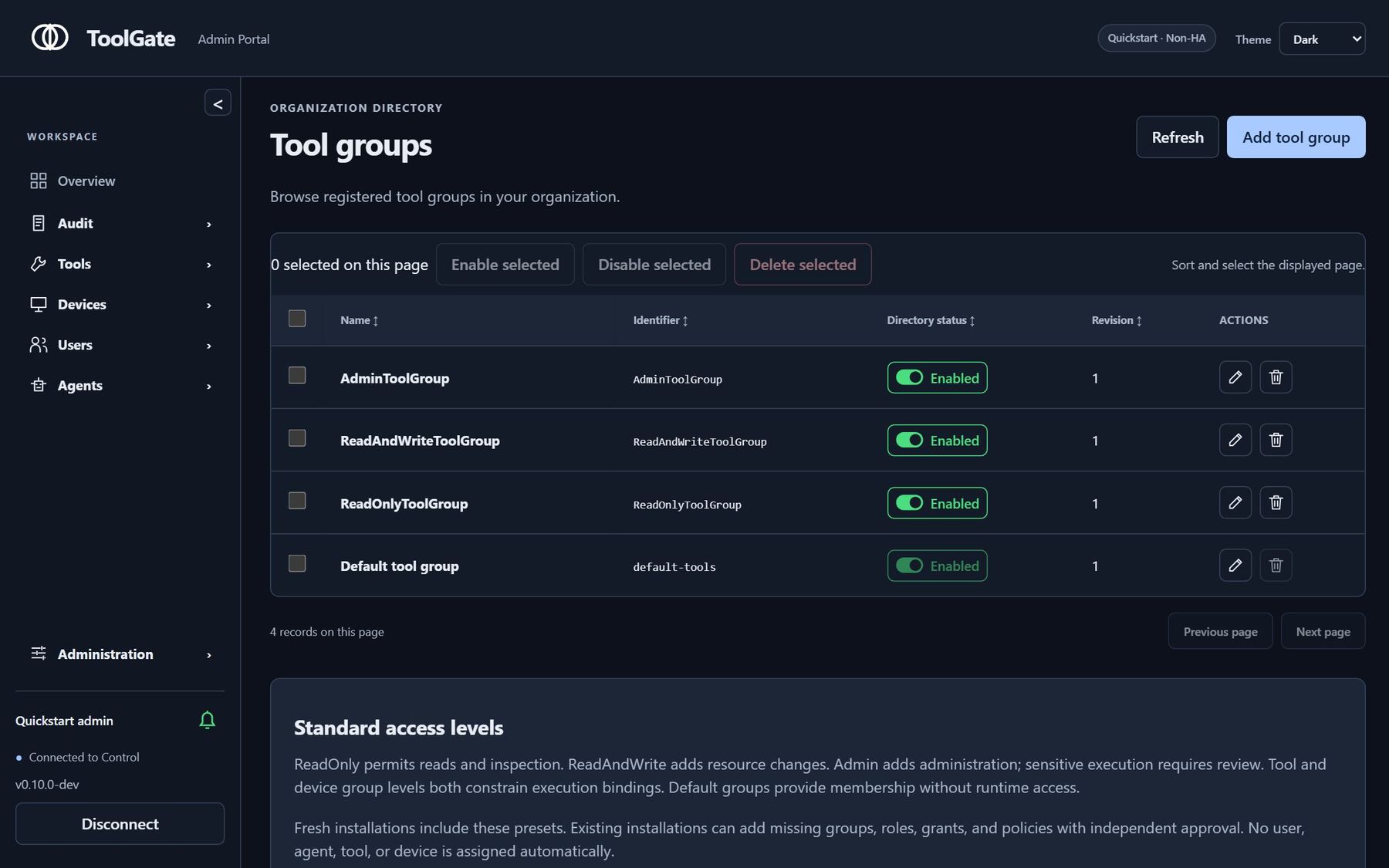
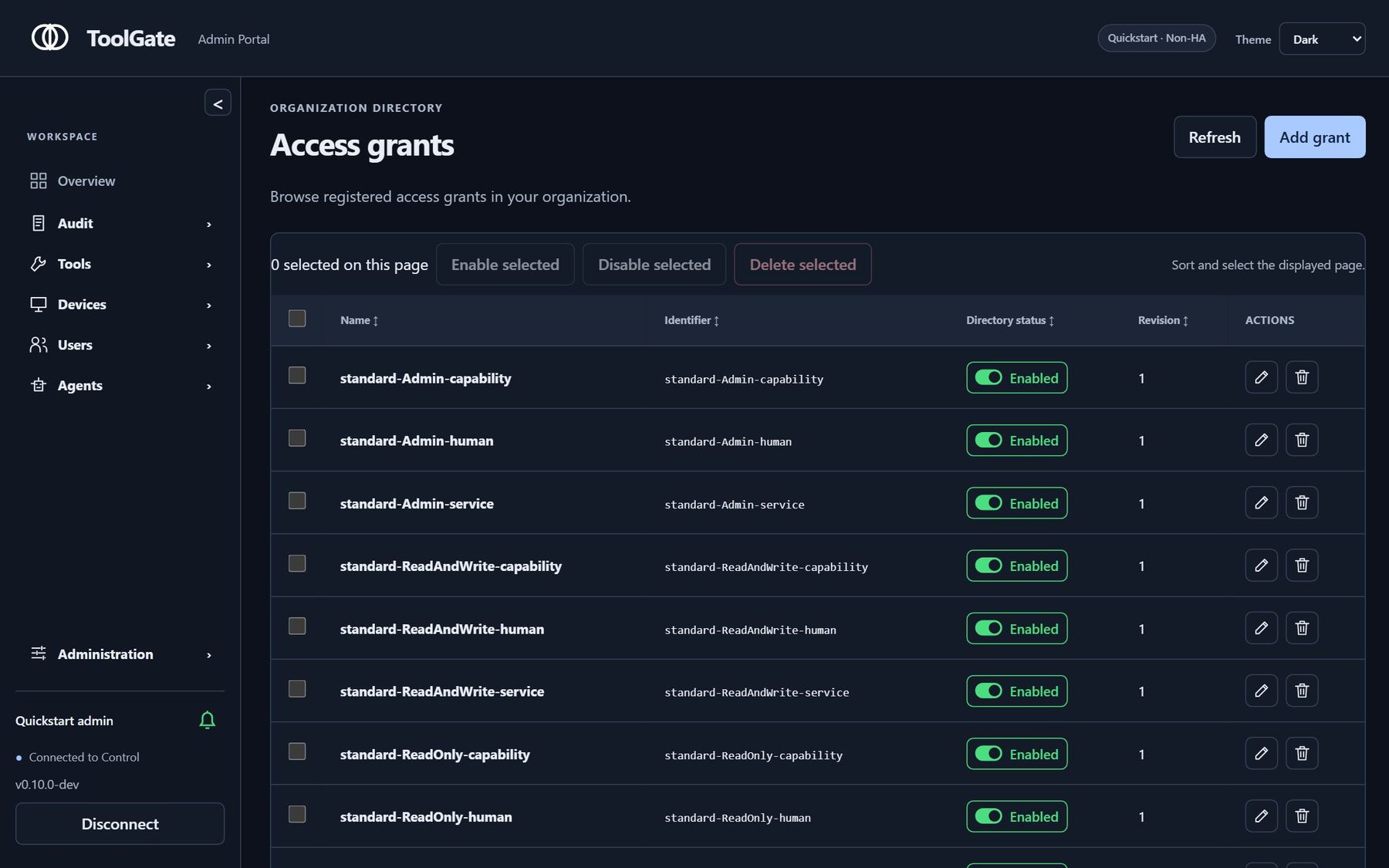
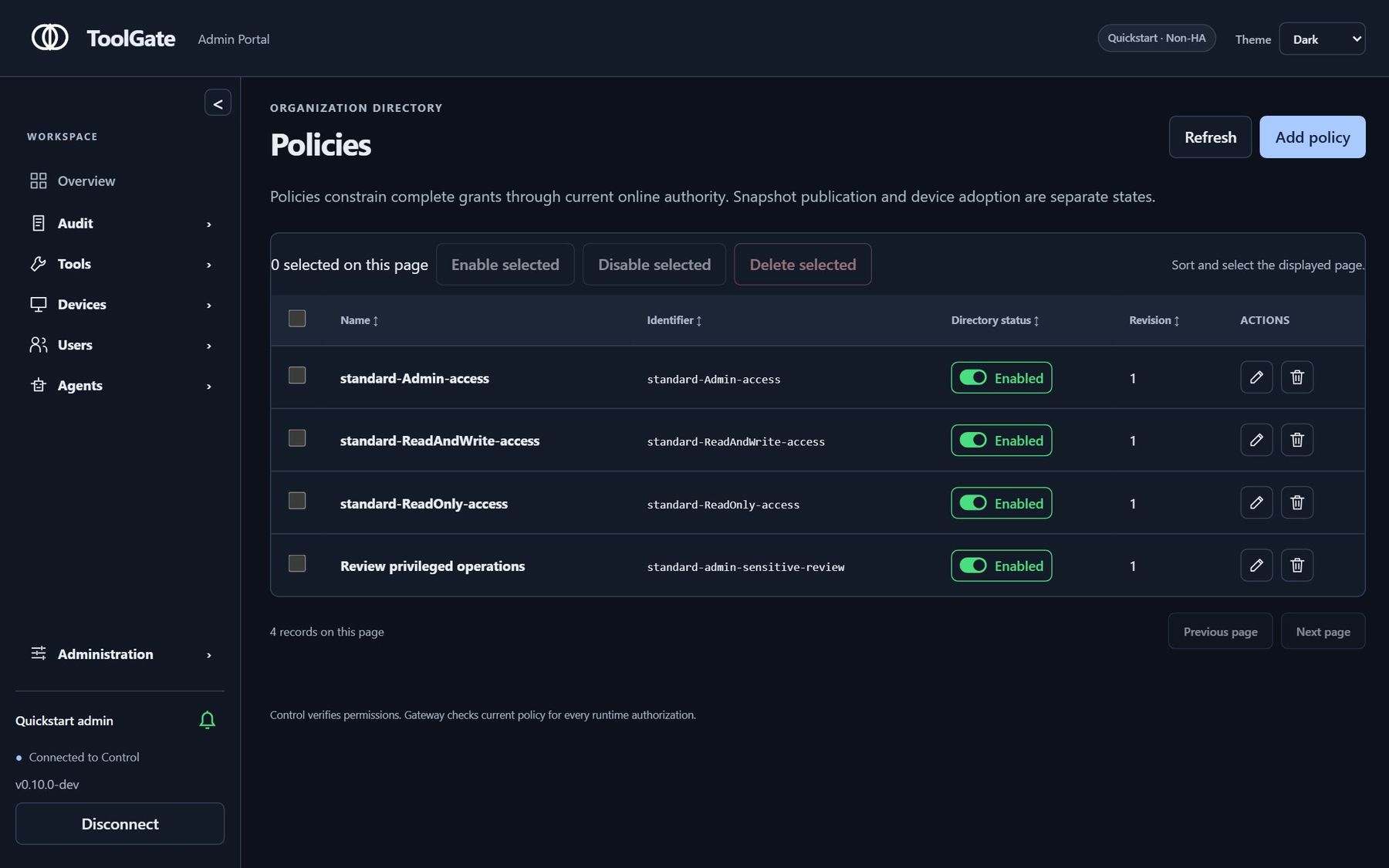
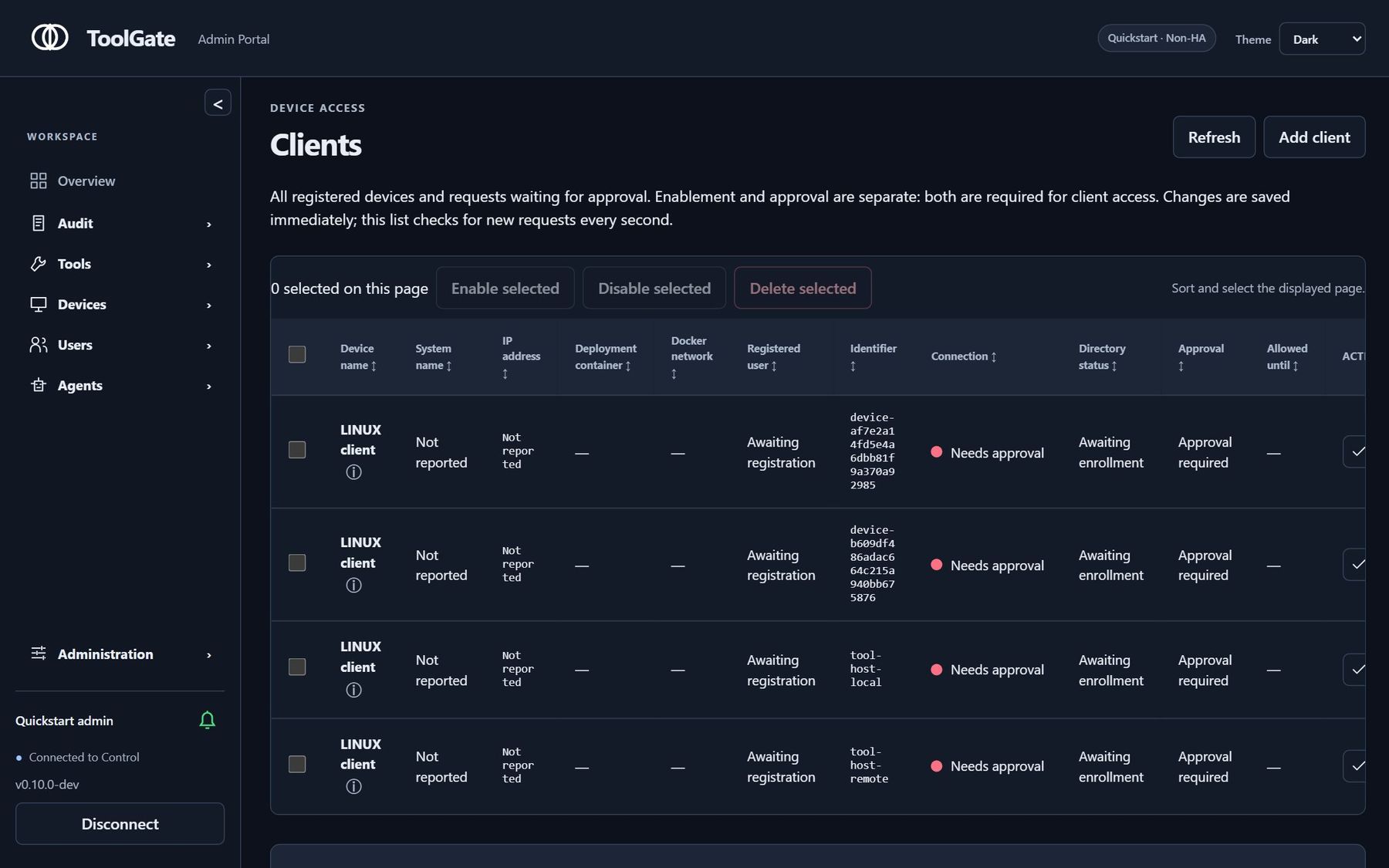
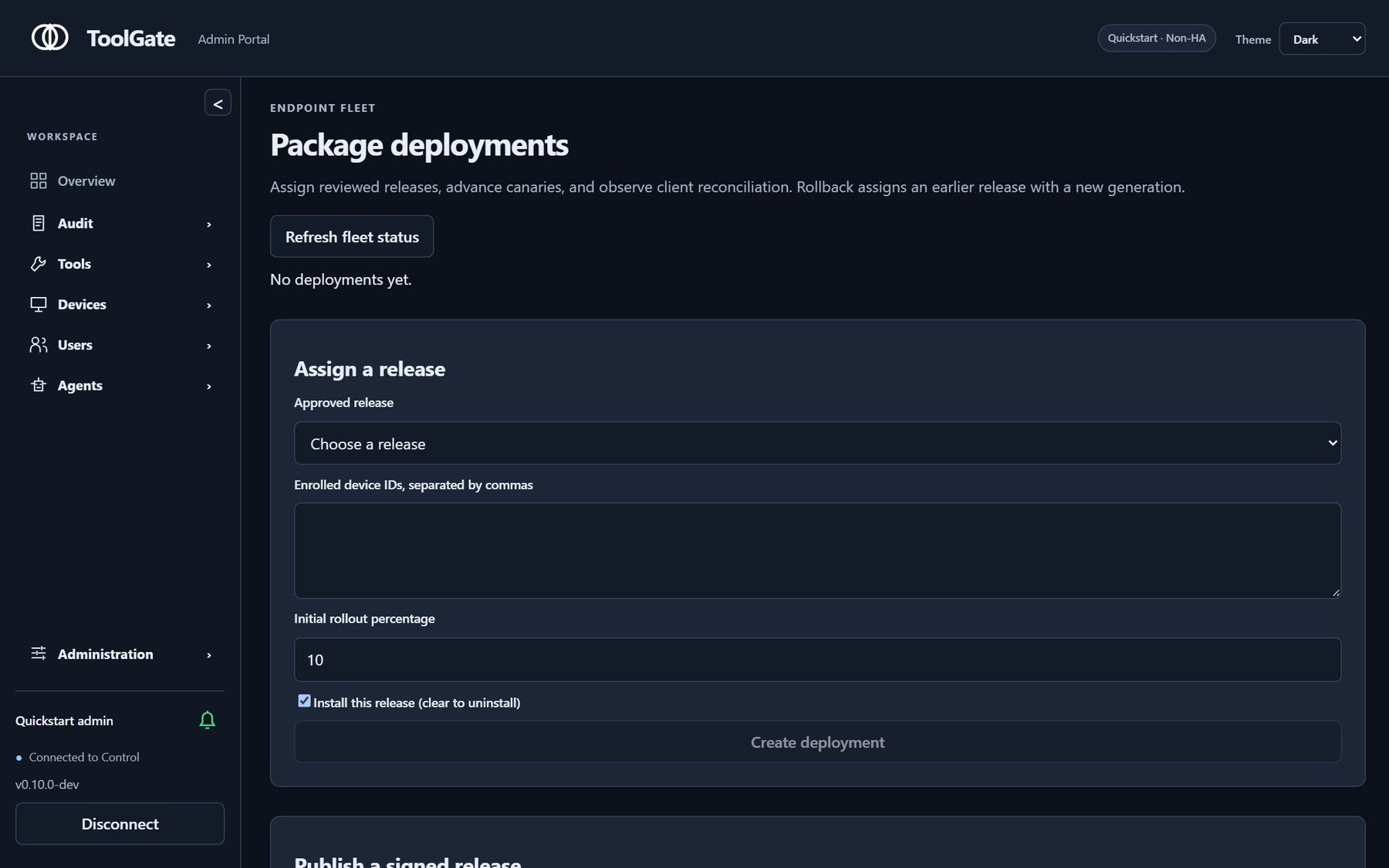
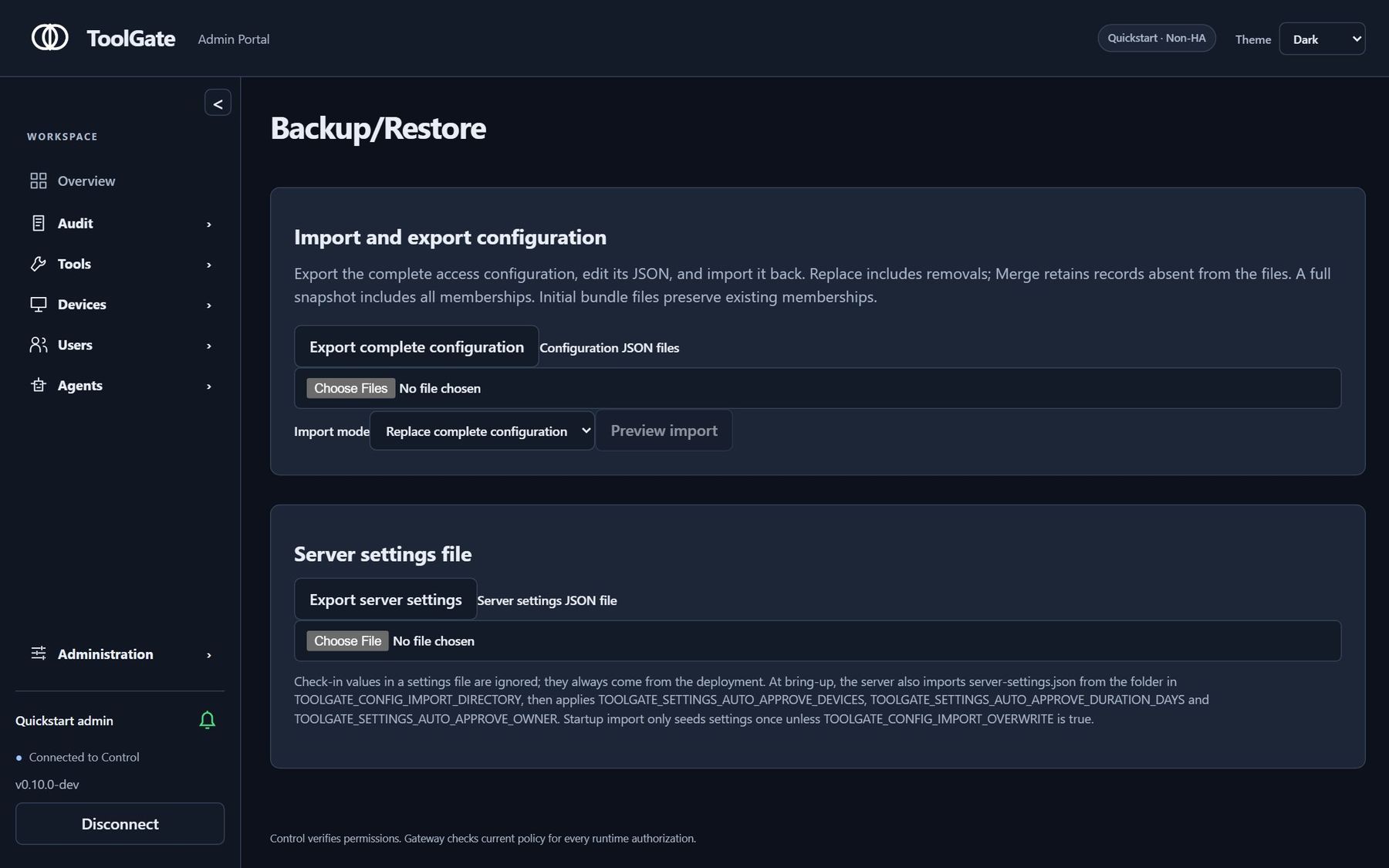
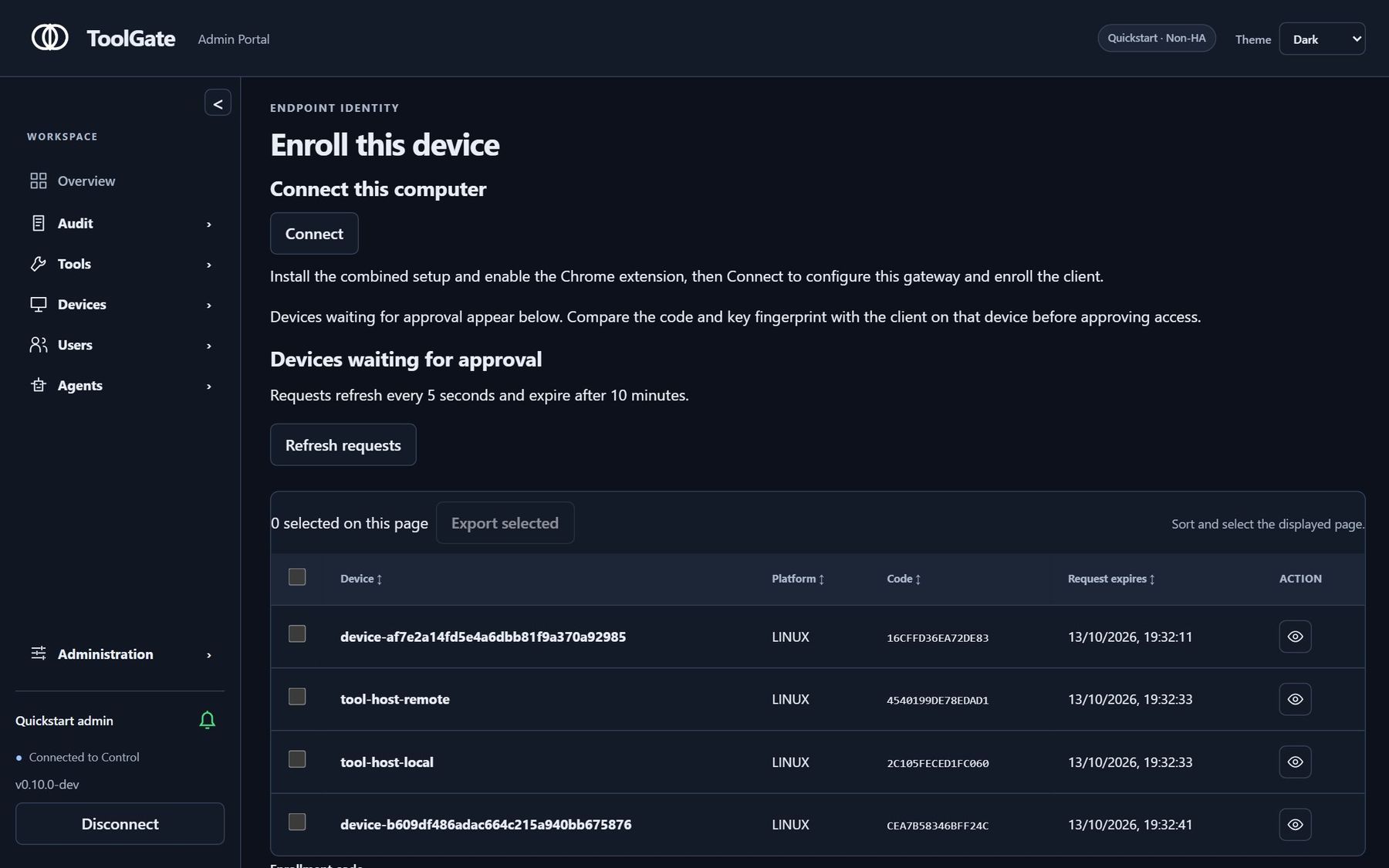
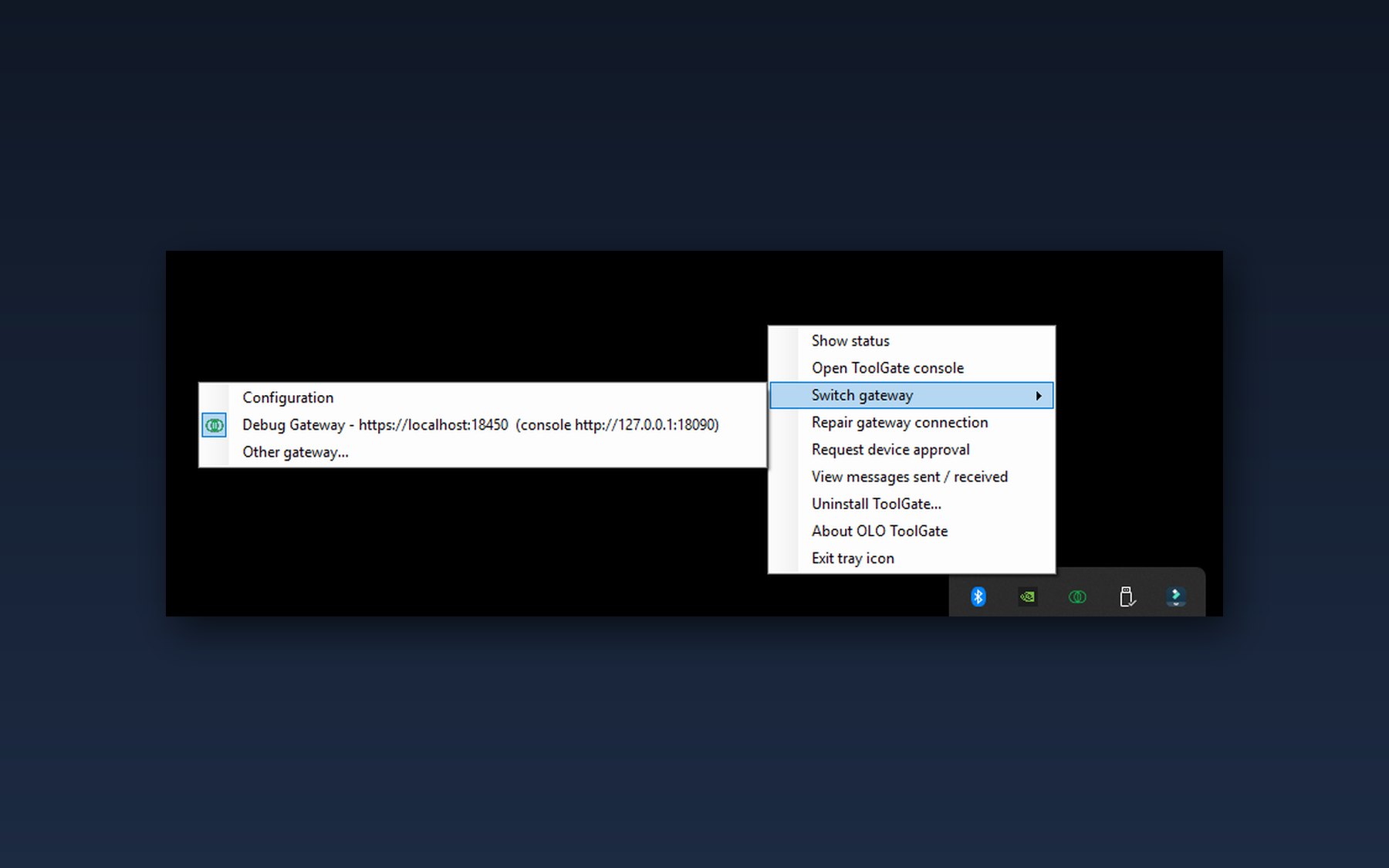
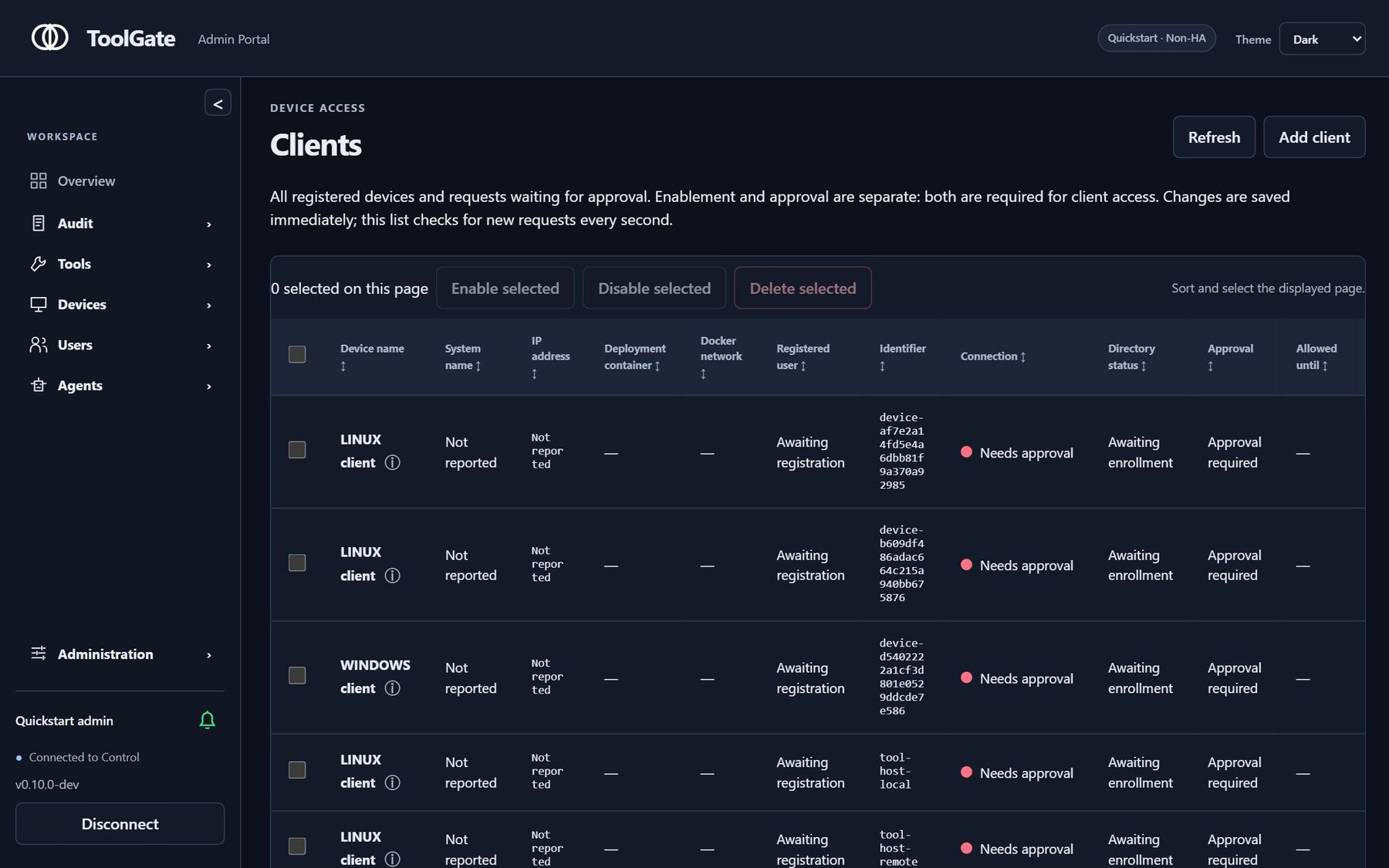
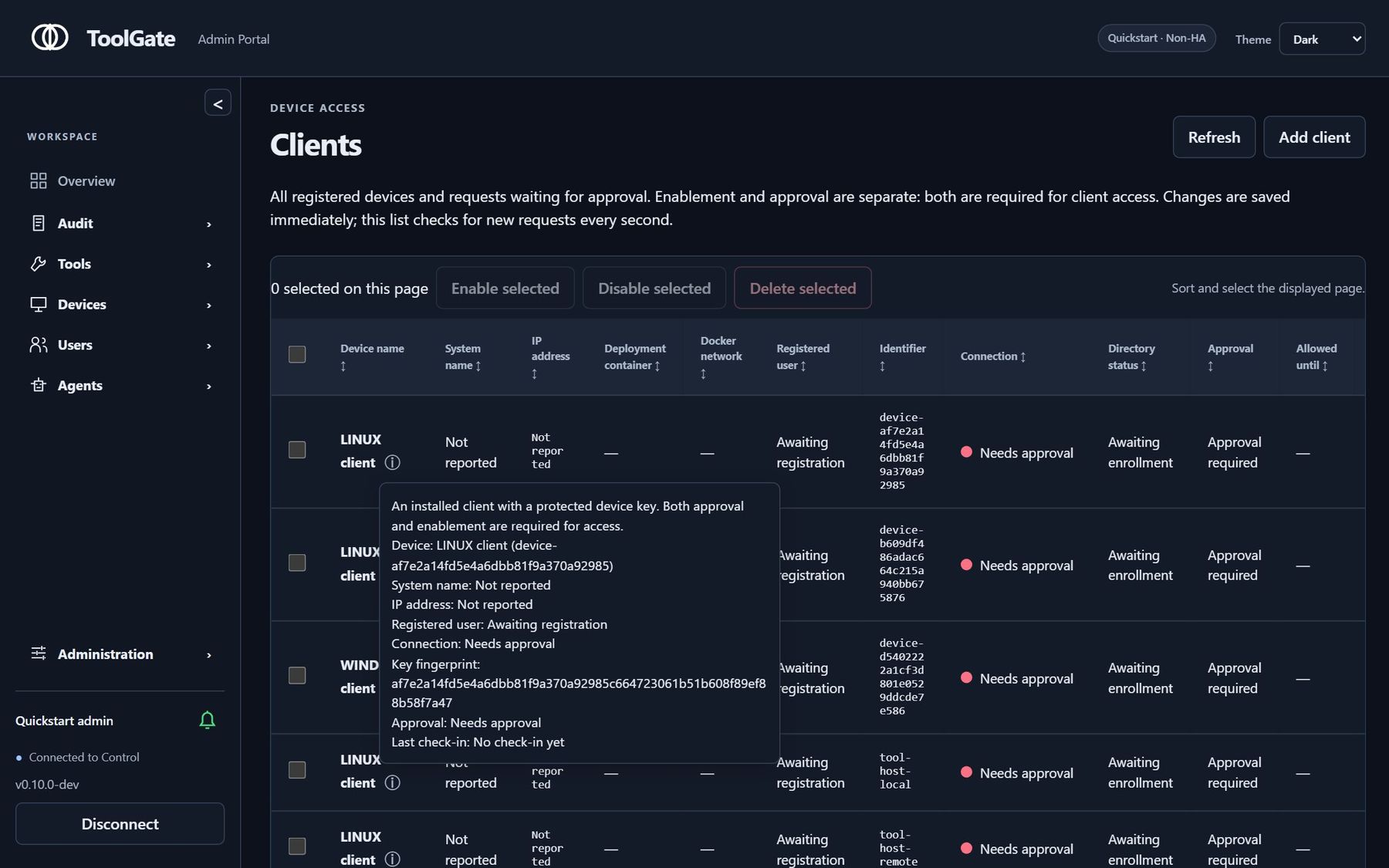
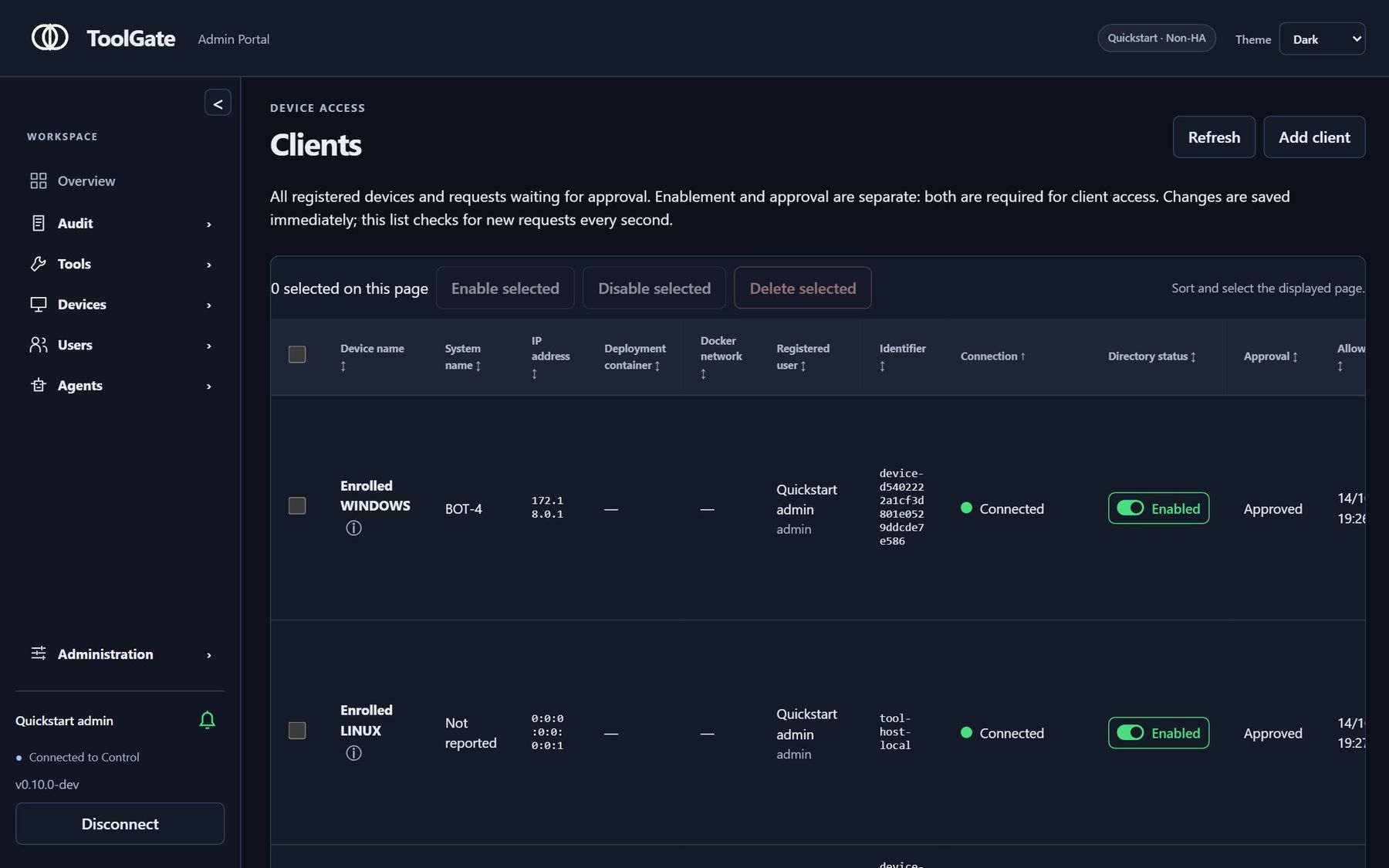
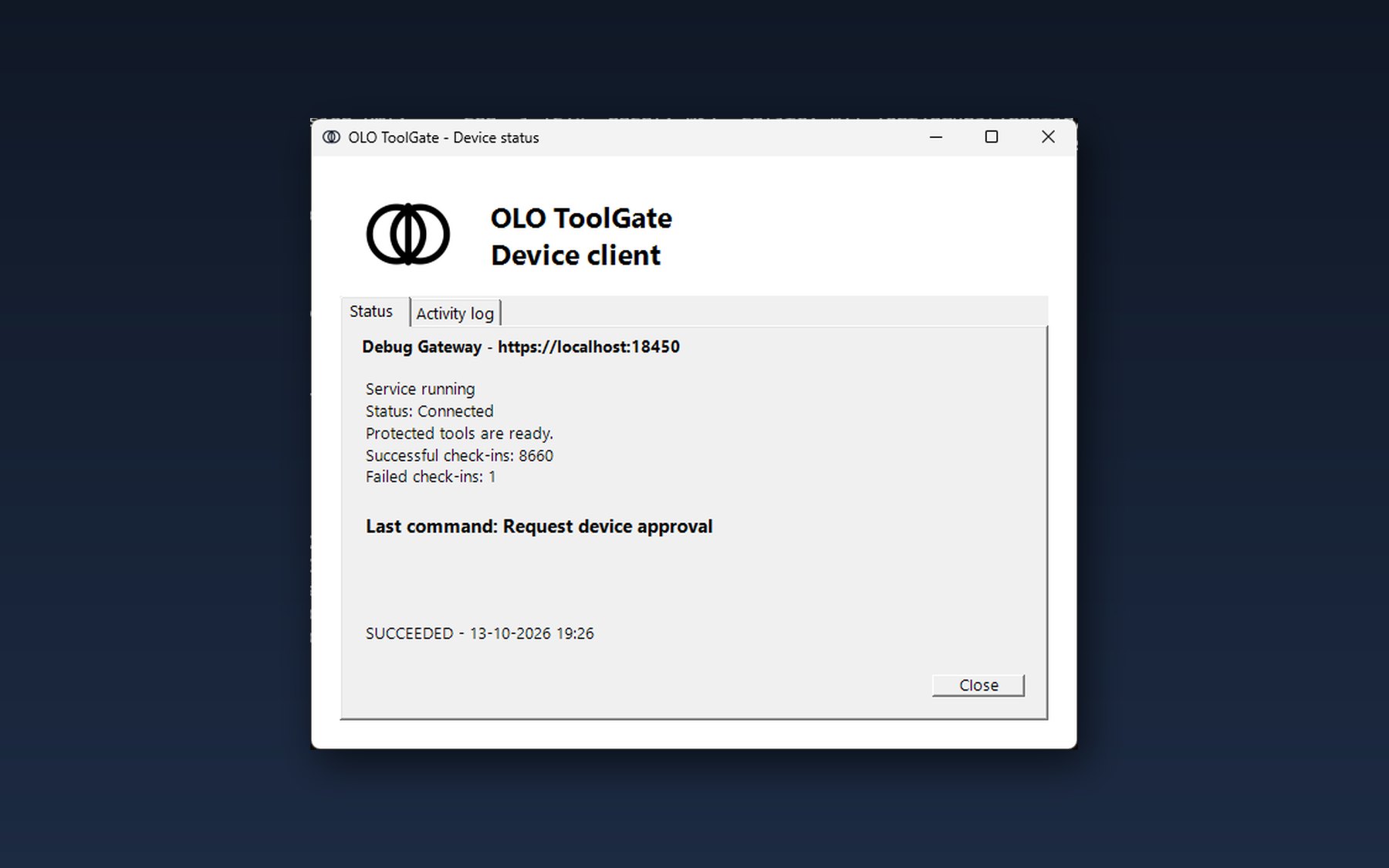
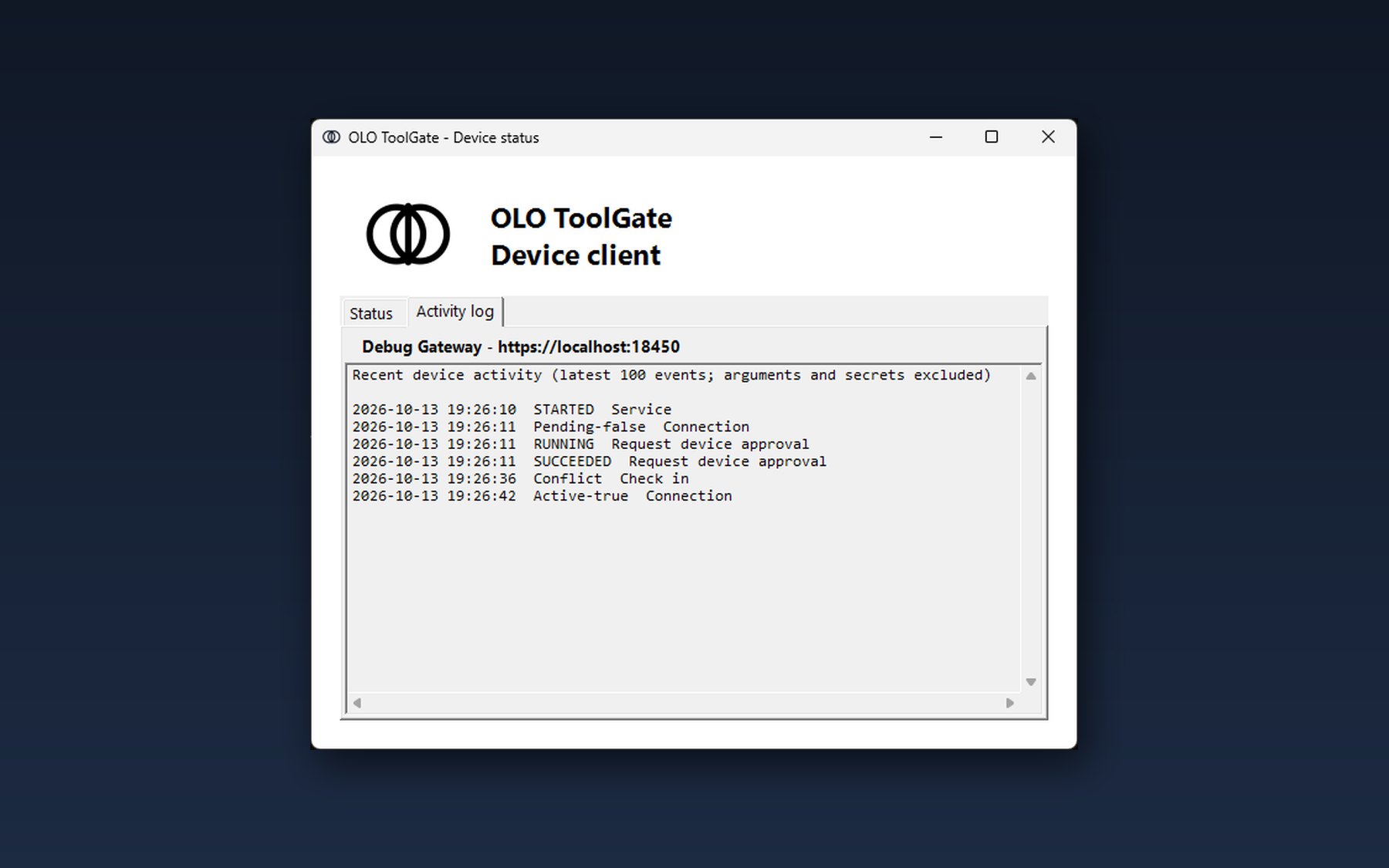
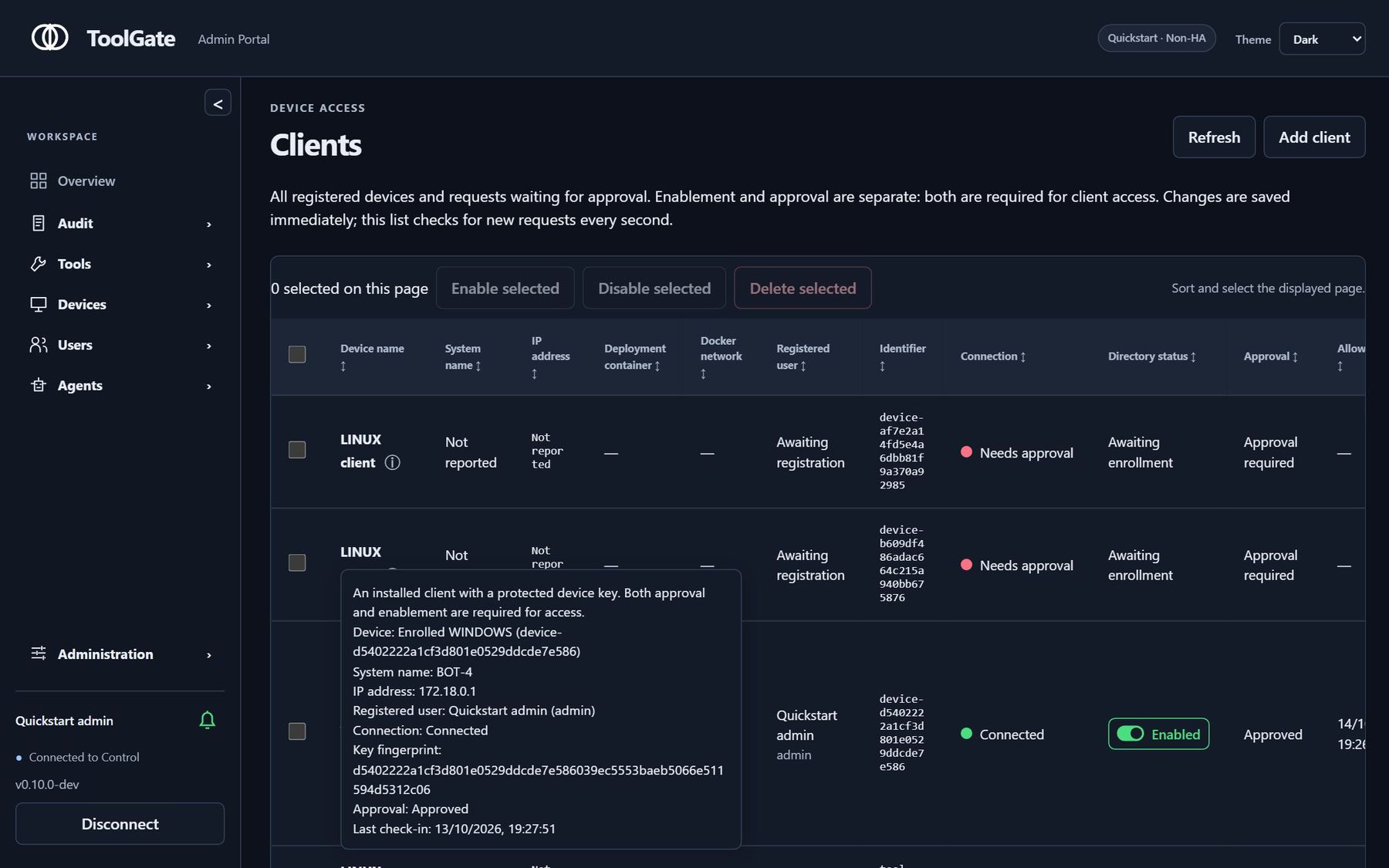
Your organization at a glance: users, tools, policies and devices.
For teams building private AI
Run workflows where your data lives.
Host models on your own infrastructure, coordinate their work with OLO and manage tool access with ToolGate. To keep data within your network, configure model endpoints and tools to use services inside it.
- 1Choose your modelsConnect hosted model APIs or serve open-weight models on your own hardware, subject to their licenses.
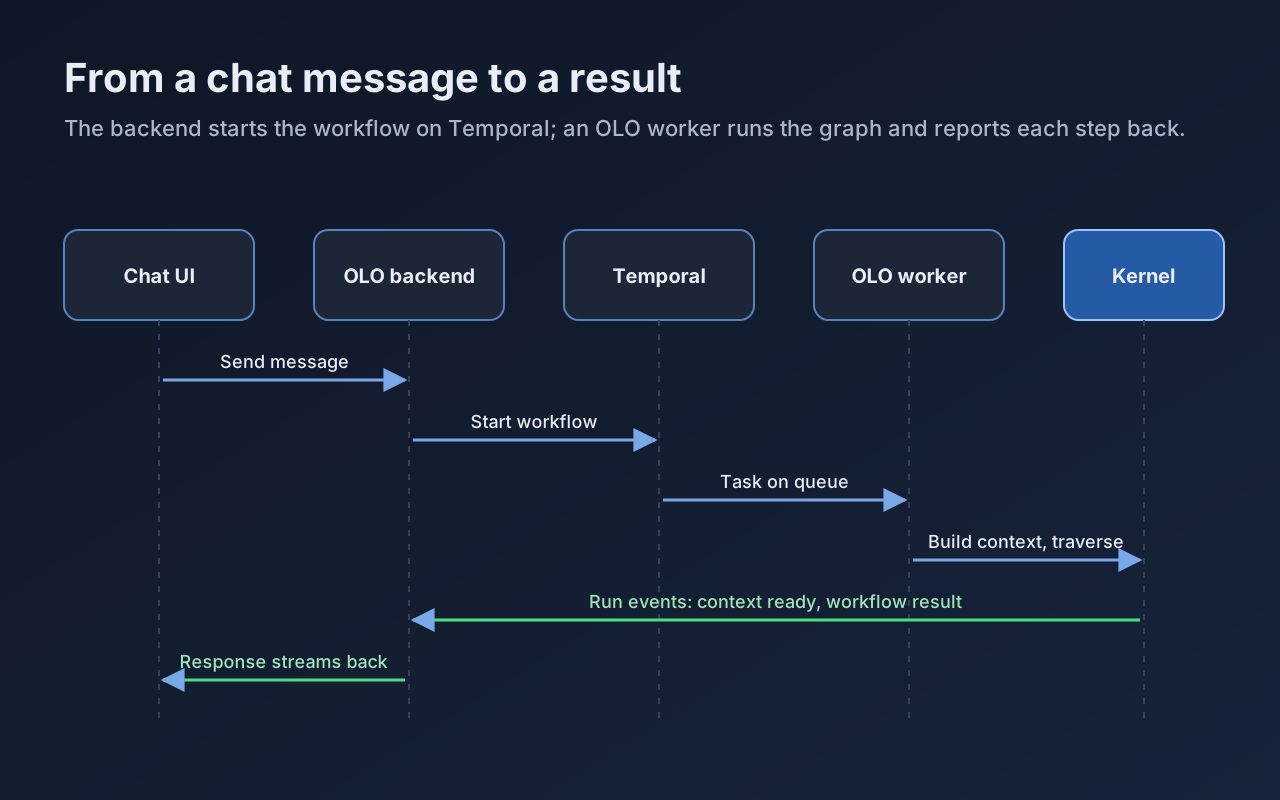
- 2Define the workflowUse OLO to coordinate model calls, tools and steps in a workflow that runs on Temporal workers.
- 3Set tool permissionsRoute tool calls through ToolGate to apply Allow, Ask or Block policies and record the decisions.
- Deployment choiceRun the stack in your private cloud or on your own servers.
- Model choiceChoose hosted APIs or local models to suit your budget and requirements.
- Visible tool activityReview ToolGate requests, policy decisions and execution results.
- Open sourceInspect, adapt and self-host the Apache-2.0 licensed code.
Find the project for your next step
Start with OLO to coordinate language model workflows, or ToolGate to build tools and manage who can use them. Explore the demos and setup guides for each project.
OLO ToolGate
Build tools. Decide who can use them.
Build custom MCP tools with the ToolGate SDK, distribute signed packages and manage access for users and agents. Run tools on registered devices, require approval for sensitive actions and review activity in one console.
- Create and run custom tools. Use the SDK to build MCP tools, package them for signing and deploy them to registered devices.
- Allow, Ask or Block. Group tools and set policies that allow a call, require approval or block access for a user or agent.
- Run tools close to your systems. Register devices as tool hosts, with outbound connections to ToolGate and brokered network access.
- Review activity and approvals. See tool requests, policy decisions and results. Require approval before sensitive tools run.
- Planned: connect existing MCP servers*. A future proxy will let you connect an MCP server by URL and manage access to its tools through ToolGate. This feature is not yet available.
* Planned feature: connecting existing MCP servers by URL is on the ToolGate roadmap and is not yet available. Track it on GitHub
Explore OLO ToolGate View demos Developer Resources Source on GitHub
OLO
Connect models and tools in repeatable workflows.
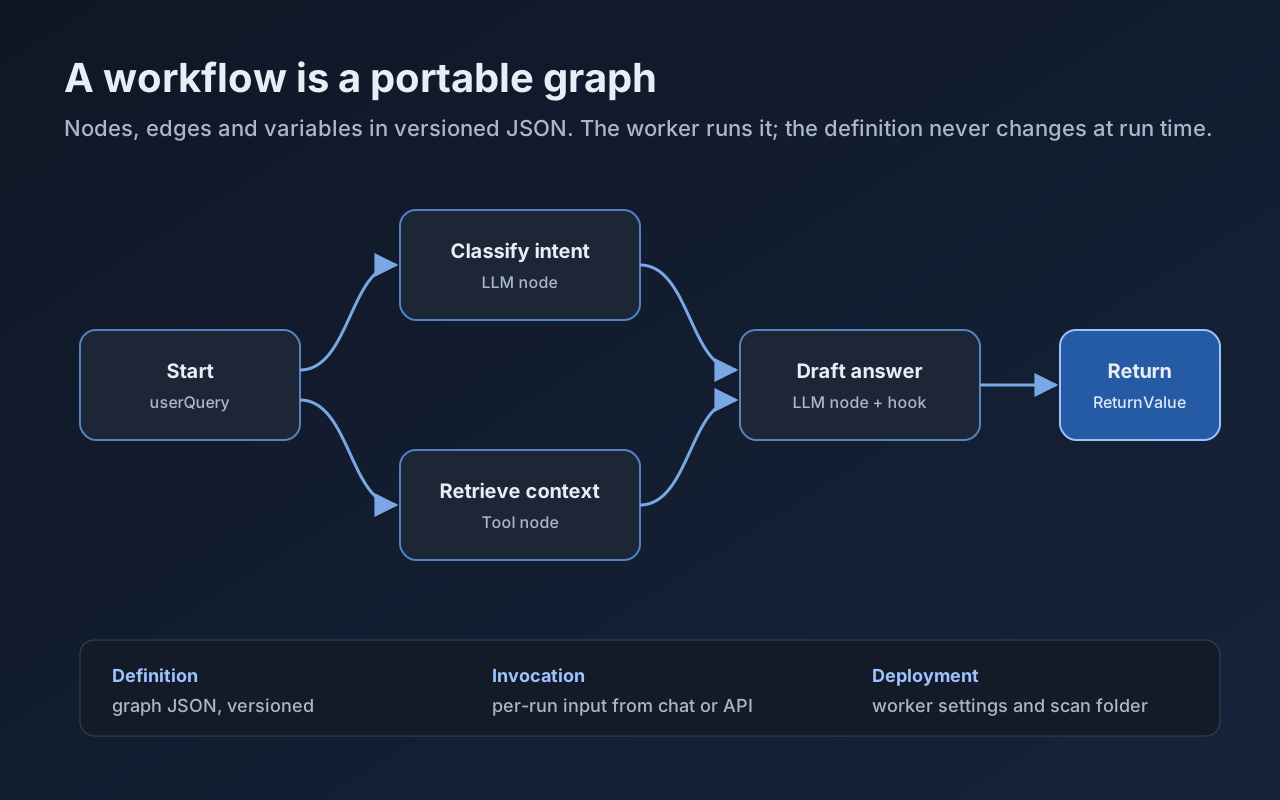
OLO, the Open LLM Orchestrator, coordinates language model calls, tools and workflow steps. Define workflows as portable JSON graphs and run them on Temporal workers, with model endpoints and deployment settings configured separately.
- Choose hosted or local models. Configure compatible model endpoints separately from the workflow graph. Evaluate each model for the tools and outputs your workflow needs.
- Portable workflow graphs. Define steps, connections, variables and return values in versioned JSON. Use builders and validation to maintain your workflows.
- Start with a preset. Activate a ready-made workflow from Administration, Scenarios in the OLO console.
- Run on Temporal workers. Workers execute workflow steps and report progress back to the chat interface.
- Extend your workflows. Add custom nodes, tools and hooks through the service provider interface (SPI), and expose them to workflow editors.
Marketplace
OLO Marketplace Browse ToolGate packages from OLO Labs and community publishers. Review included tools, required settings and versions before installing. 18 packages listedA few things to know before you start
What is large language model orchestration?
LLM orchestration coordinates model calls, tools and workflow steps to complete a task. OLO represents these steps as a portable JSON graph and runs them on Temporal workers. You can choose hosted or self-hosted model endpoints in your deployment settings. Explore OLO LLM workflow orchestration
How does ToolGate relate to the Model Context Protocol (MCP)?
MCP connects AI applications to tools and context. Use the ToolGate SDK to build custom MCP tools and package them for deployment. ToolGate manages access, approvals and audit records for tool calls routed through it. Connecting an existing MCP server by URL is planned and is not yet available. Explore ToolGate
Does OLO include an open-source large language model?
OLO is an open-source orchestrator, rather than a language model. It runs workflows that call the model endpoints you configure. For a private AI deployment, host a model with a suitable license in your own environment and configure your workflows and tools to use local services.
Built in the open
- Use it freelyApache-2.0. Run it, change it and ship it inside your own products.
- Self-hostedChoose where the software runs and which services it connects to.
- ContributeIssues, pull requests, tools and workflows are welcome on GitHub.